Services
Sky Glass vs Sky Stream: Which Should You Actually Buy?
Sky Glass and Sky Stream run identical software, carry identical channels and look identical on screen, because Sky Stream is simply Sky Glass without the television attached. The entire decision comes down to one question: do you want to buy a new TV from Sky on four years of finance, or plug a £0 puck into the one you already own?
The short answer
- Same operating system, same channels, same Playlist, same remote.
- Glass bundles a 4K QLED TV on 24 or 48 months of credit; Stream does not.
- Glass has a built-in Dolby Atmos array. Stream relies on your TV or soundbar.
- Neither records to a disk. Both use the cloud Playlist, and both need broadband.
Sky markets these as two products, and in a meaningful sense they are one. Sky Stream is a small puck running Sky’s Entertainment OS. Sky Glass is a 4K QLED television with that same puck built into the chassis, plus a multi-speaker Dolby Atmos array under the screen. Every difference between them is hardware. None of it is content.
That matters because most comparisons of the two get lost in specifications, when the real question is financial. Choosing Glass means signing a credit agreement for a television alongside your Sky subscription, typically over 24 or 48 months. Choosing Stream means keeping whatever television you already have and paying for the service alone.
This comparison draws on our separate reviews of each — Sky Glass and Sky Stream — written after living with both products rather than reading the spec sheets. Set against each other, the software is indistinguishable, which is precisely what makes the decision clearer than it looks.
This page sets out what is genuinely identical, where the hardware differs, what each actually costs once both halves of the bill are counted, and who should pick which.
What is the difference between Sky Glass and Sky Stream?
Only the hardware. Sky Stream is a puck you plug into a television you already own. Sky Glass is a 4K QLED television with that same puck built in, plus a Dolby Atmos speaker array. The software, channels, interface, Playlist and remote are identical on both, because they are the same system.
| Sky Glass | Sky Stream | |
|---|---|---|
| What you get | A 4K QLED TV with Sky inside | A small puck for your own TV |
| Operating system | Sky Entertainment OS | Sky Entertainment OS — identical |
| Channels and apps | Identical | Identical |
| Dish or aerial | Neither | Neither |
| Sound | Built-in Dolby Atmos array | Whatever your TV or soundbar does |
| Recording | None — cloud Playlist | None — cloud Playlist |
| Hardware cost | Monthly over 24 or 48 months | Little or none |
| Subscription | Billed separately on top | Billed separately on top |
| Typical commitment | 24 or 48 months on the TV | Usually 24 months on the service |
| Recommended speed | ~30 Mbps for 4K | ~30 Mbps for 4K |
Is the picture quality the same on Glass and Stream?
The signal is identical; the screen is not. Both deliver the same 4K HDR stream at the same bitrate with the UHD add-on. What differs is the panel showing it — Glass uses Sky’s own 4K QLED, while Stream uses whatever television you plug it into, which may be better or considerably worse.
That is the honest way to frame the picture question, and it cuts both ways. If your existing television is a decent recent 4K set, a Stream puck will look as good as Glass and quite possibly better — plenty of OLEDs outperform Sky’s QLED on contrast. If your television is an ageing 1080p set, Glass is a genuine upgrade to the picture as well as the service.
Within the Glass range itself the panel matters too. Gen 2 improved contrast over the original and added Dolby Vision; Air is the cheaper, lighter model with a simpler panel and limited Dolby Vision. Our full Sky Glass review covers what separates the three.
30
Mbps for 4K
The same on both products.
0
Dishes required
Broadband only, either way.
0
Hours recorded
Neither has a hard disk.
48
Months of credit
The longest Glass term.
How much does Sky Glass cost compared with Sky Stream?
Both bills have two halves: hardware and subscription. On Stream the hardware half is negligible. On Glass it is a credit agreement for a television, spread over 24 or 48 months, which sits on top of a Sky subscription that costs the same on either product.
This is the single most misunderstood thing about Sky Glass, and it is the reason quotes look startlingly cheap. A headline figure is usually showing you one of the two numbers. The real monthly cost is the television payment plus the subscription, and the television payment continues whether or not you keep Sky.
| Sky Glass | Sky Stream | |
|---|---|---|
| Hardware | Monthly credit, 24 or 48 months | Little or nothing |
| Subscription | Same as Stream | Same as Glass |
| What the headline price shows | Usually one half only | Usually the subscription |
| If you cancel Sky | TV payments continue | Nothing continues |
| Over four years | A television you own outright | No asset, lower outlay |
Can you record on Sky Glass or Sky Stream?
Neither. Both replaced the hard disk with Playlist, a cloud list Sky serves on demand. Day to day it is handier, since so much is on demand anyway that forgetting to record rarely matters. But titles disappear from a Playlist when Sky’s rights to them expire, and nothing is stored in your house.
For most households that trade is worth making. For a household that archives series and rewatches them years later, it is not, and no update to either product will change it — neither has local storage by design. Sky Q is the only Sky product that still writes to a disk you control.
If keeping programmes matters more than the Sky line-up does, the cheapest route to a disk you own is a Freeview or Freesat recorder, which costs once and then nothing.
Which has better sound, Sky Glass or Sky Stream?
Glass, clearly, and it is the most underrated difference between them. The Atmos speaker array built into the frame is genuinely good and removes the need for a soundbar entirely. A Stream puck outputs sound through your television, which on most modern flat panels is thin.
For a household with no soundbar and no intention of buying one, that array is a real argument for Glass — it is the one thing you cannot replicate by plugging a puck into an existing set. Costed against buying a decent soundbar separately, it narrows the gap between the two products meaningfully.
On Stream the sound question is simply your television’s problem, which is either fine or solvable with a soundbar you choose yourself. That flexibility is worth something: you are not locked into Sky’s audio decisions for four years.
What happens if you cancel Sky Glass or Sky Stream?
On Stream, the service stops and that is the end of it. On Glass there are two agreements, and cancelling the subscription does not touch the credit agreement for the television. You are left still paying monthly for a set that no longer shows Sky, though it works as an ordinary television with its apps.
That asymmetry is the strongest practical argument for Stream, and it is rarely spelled out at the point of sale. A Stream household that wants to leave Sky simply leaves. A Glass household that wants to leave Sky still owes for the television, for as long as the finance term runs.
It is not a trick — a credit agreement for a television is exactly what it says it is, and at the end of it you own a 4K QLED set outright. But it should be a deliberate decision rather than a surprise. Our guide to cancelling Sky covers the notice period and what retentions can actually offer.
Sky Glass or Sky Stream: which should you buy?
Buy Glass only if you were replacing your television anyway and want Atmos sound without a soundbar. In every other case buy Stream: identical software and channels, no credit agreement, no four-year commitment to a panel, and you keep the television you already like.
Sky Stream puck
- Your television is fine, or better than Sky’s QLED.
- You do not want a credit agreement attached to your TV service.
- You already have a soundbar, or do not care about sound.
- You want the freedom to leave Sky cleanly.
Sky Glass television
- You were buying a new 4K television regardless.
- You want Dolby Atmos without buying a soundbar separately.
- You want one cable and no boxes visible at all.
- You are comfortable committing to 24 or 48 months of payments.
| Your situation | Choose | Why |
|---|---|---|
| Happy with your current TV | Stream | Glass adds nothing to the software, only cost. |
| Replacing the TV anyway | Glass | The Sky hardware is effectively bundled into a set you needed. |
| No soundbar, and want one less box | Glass | The built-in Atmos array is the genuine advantage. |
| Might leave Sky within two years | Stream | No credit agreement outlives the subscription. |
| You have an OLED | Stream | Your panel is almost certainly better than Sky’s QLED. |
| Games console is the main use | Stream | Glass has no HDMI passthrough to its speakers. |
| You want to record to a disk | Neither | Sky Q is the only Sky product that still does. |
If you are also weighing the older satellite product, our Sky Stream vs Sky Q comparison covers the recording question in full, and the Sky packages breakdown prices the subscription half that both products share.
Can you have Sky Glass and Sky Stream in the same house?
Yes, and it is how Sky expects a multi-room household to work. Glass covers one television by definition, and additional rooms take Stream pucks on the same account. Because both run the same operating system, the experience is identical in every room and the Playlist follows you between them.
This is worth knowing before the Glass decision, because it removes an argument people often make for it. You do not need a second Glass to get Sky on a second television — a puck does that for a fraction of the cost, on whatever set is already in the spare room. Glass is a decision about one screen, not about the house.
It also means the two products are not really alternatives at the household level. A common and sensible configuration is one Glass in the main room, bought because the television needed replacing anyway, and Stream pucks everywhere else. The subscription covers the service; the hardware decision is taken room by room.
One practical limit: Sky sets a cap on how many streams an account can run at once, and it is lower than most households assume before they start adding rooms. Confirm the current figure against the number of televisions you intend to cover before ordering the pucks.
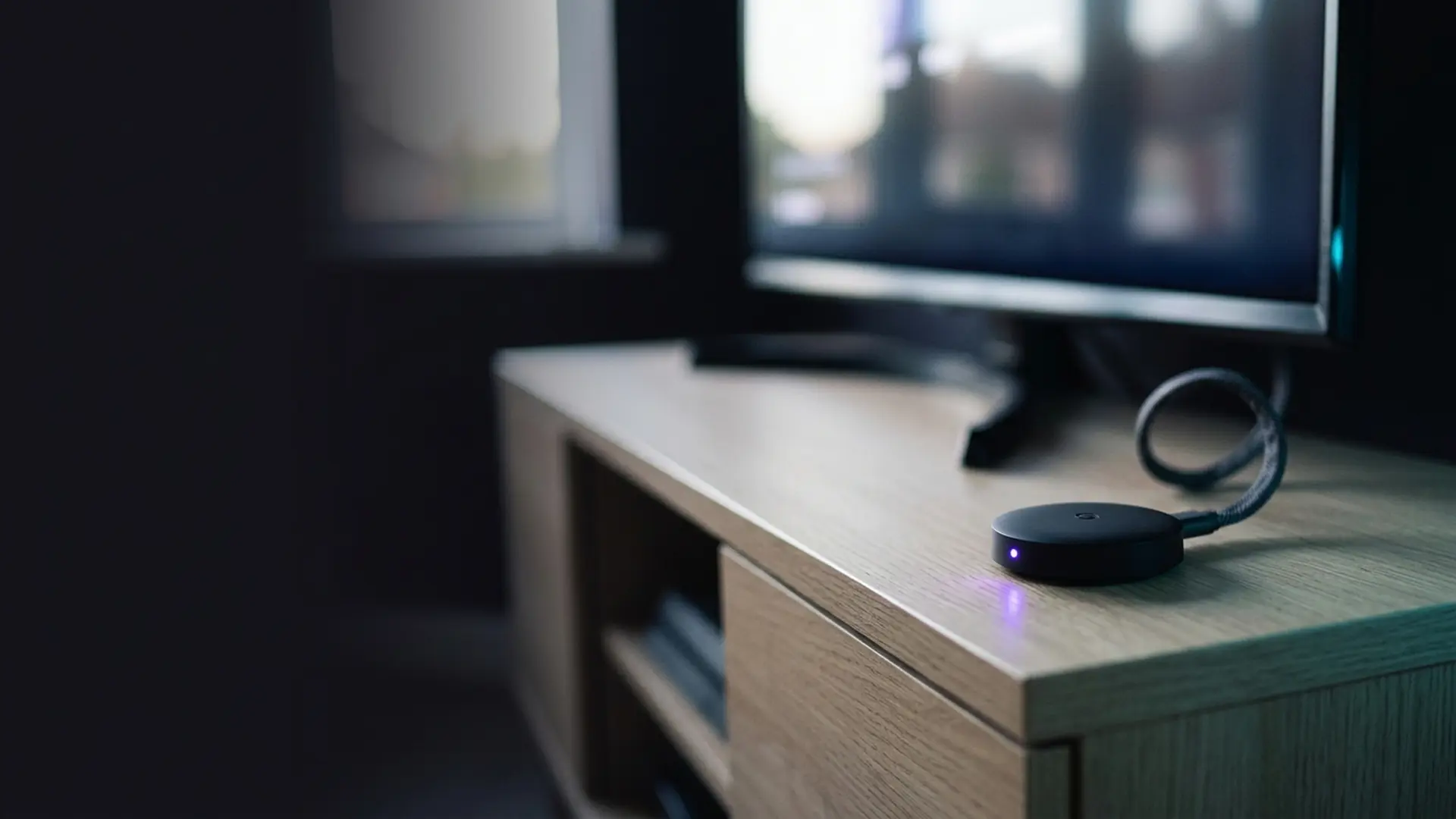
What the same channels cost without the hardware
Both products tie the Sky channel line-up to a monthly bill that keeps taking money, and on Glass to a television you are still paying for. The plans below cover that line-up for one upfront payment over a fixed term, with no finance agreement hanging off a television.
IPTV 4K Ultra
From £2.86/moCinema-quality HDR & Dolby
True 4K Ultra HD streaming with HDR10+, Dolby Vision and Dolby Atmos. Watch the Premier League in 4K like you are at the ground.
Starter 4K
3 Months
£34.99−31%
£23.99
£8.00/mo
- 27,000+ channels in 4K
- 192,000+ VOD titles in native 4K
- 4K UHD (3840×2160) HEVC
- Full EPG guide
- 1 screen
- 24/7 UK support
- Anti-freeze technology
Secure payment

Standard 4K
6 Months
£54.99−27%
£39.99
£6.67/mo
- 27,000+ channels in 4K
- 192,000+ VOD titles in 4K HDR
- 4K UHD + HDR10+
- EPG + 3-day replay
- 1 screen
- Priority support 24/7
- Anti-freeze servers
Secure payment
Premium 4K
12 Months
2 months free£74.99−27%
£54.99
£3.93/mo
- 27,000+ channels in 4K UHD
- 192,000+ VOD titles in 4K HDR
- 4K UHD + HDR10+ + Dolby Vision
- EPG + 7-day replay
- 1 screen
- VIP WhatsApp support
- Dolby Atmos 5.1 audio
- Free automatic updates
Secure payment
Ultimate 4K
24 Months
4 months free£89.99−11%
£79.99
£2.86/mo
- 27,000+ channels in 4K UHD
- 192,000+ VOD titles in 4K Ultra HD
- 4K + HDR10+ + Dolby Vision
- EPG + 14-day replay
- 1 screen
- VIP WhatsApp instant support
- Dolby Atmos 7.1 surround
- Early access to 4K content
- Optimised HEVC streaming
Secure payment
IPTV 8K Ultra Max
From £3.93/mo8K HDR + Dolby Atmos — the pinnacle
The most advanced plan on the list. True 8K Ultra HD with Dolby Vision HDR and Dolby Atmos sound, 55,000+ live channels, 220,000+ on-demand films and series, and multi-language subtitles on everything.
Starter 8K
3 Months
£39.99−25%
£29.99
£10.00/mo
- 55,000+ live channels in up to 8K
- 220,000+ films & series on demand
- 8K UHD + Dolby Vision HDR
- Dolby Atmos immersive audio
- Multi-language subtitles
- Full EPG guide
- 1 screen
- 24/7 UK support
Secure payment
Standard 8K
6 Months
£69.99−29%
£49.99
£8.33/mo
- 55,000+ live channels in up to 8K
- 220,000+ films & series on demand
- 8K UHD + Dolby Vision HDR
- Dolby Atmos immersive audio
- Multi-language subtitles
- EPG + 3-day replay
- 1 screen
- Priority UK support 24/7
Secure payment
Premium 8K
12 Months
2 months free£99.99−30%
£69.99
£5.00/mo
- 55,000+ live channels in up to 8K
- 220,000+ films & series in 8K / 4K
- 8K UHD + Dolby Vision HDR
- Dolby Atmos object-based audio
- Multi-language subtitles throughout
- EPG + 7-day replay
- 1 screen
- VIP WhatsApp support 24/7
- Free automatic updates
Secure payment
Ultimate 8K
24 Months
4 months free£124.99−12%
£109.99
£3.93/mo
- 55,000+ live channels in up to 8K
- 220,000+ films & series in 8K / 4K
- 8K UHD + Dolby Vision HDR
- Dolby Atmos 7.1+ surround sound
- Multi-language subtitles throughout
- EPG + 14-day replay
- 1 screen
- VIP WhatsApp instant support
- Early access to new 8K content
- Optimised 8K HEVC / AV1 streaming
Secure payment
Both tiers are shown because Sky is bought for sport and films alike — 4K Ultra covers the live channels in 4K HDR, and 8K Ultra Max goes wider again. Every term is on the pricing page.
Frequently asked questions
Is Sky Glass better than Sky Stream?
Not in any way that involves television. The software, channels and interface are identical. Glass adds a 4K QLED panel and a built-in Dolby Atmos array, and adds a credit agreement for the television to your monthly bill.
What is the difference between Sky Glass and Sky Stream?
Only the hardware. Sky Stream is a puck for a television you already own. Sky Glass is a television with that same puck built in, plus a Dolby Atmos speaker array. Everything on screen is the same on both.
Is Sky Stream cheaper than Sky Glass?
Yes, substantially, because the subscription costs the same on both and Stream adds almost no hardware cost. Glass adds a television paid monthly over 24 or 48 months on top of that identical subscription.
Can you record on Sky Glass or Sky Stream?
No. Neither has a hard disk. Both use Playlist, a cloud list served on demand, from which titles disappear when Sky’s rights to them expire. Sky Q is the only Sky product that still records to a disk in your house.
Do Sky Glass and Sky Stream need a dish?
Neither does. Both deliver everything over your broadband connection, with no dish, no aerial and no installation visit. Sky recommends around 30 Mbps for 4K on both.
What happens to Sky Glass if I cancel my Sky subscription?
The television payments continue. Glass involves two agreements — the subscription and a credit agreement for the set — and cancelling the first does not end the second. The television keeps working as an ordinary TV with its apps.
Does Sky Glass sound better than Sky Stream?
Yes. Glass has a multi-speaker Dolby Atmos array built into the frame and needs no soundbar. A Stream puck outputs through your television, which on most modern flat panels is thin by comparison.
Can I use Sky Glass with a games console?
You can, but there is no HDMI passthrough to the built-in speakers, so a console bypasses the Atmos array. If gaming is your main use, audition that before committing to a four-year finance term.
Is the picture quality the same on Sky Glass and Sky Stream?
The stream is identical. The screen is not — Glass uses Sky’s own 4K QLED, while Stream uses whatever television you own. A good recent OLED will outperform the Glass panel; an ageing 1080p set will not.
Which is better value over four years?
Stream, unless you needed a new television anyway. At the end of a Glass term you own a 4K QLED set outright, which has real value — but only if buying that television was something you actually wanted to do.
Can I put Sky Stream on more than one television?
Yes, with additional pucks on the same account, which is how Sky sells multiroom on the platform. Sky Glass covers one television by definition, and additional rooms use Stream pucks anyway.
Is Sky Glass worth it if my TV is only a few years old?
Usually not. You would be financing a replacement panel to get software that arrives in full on a puck. Unless the built-in Atmos sound is worth the difference to you, Stream gives you the same Sky for considerably less.
This page is part of our Services hub.
See all services guides