Devices
Best Streaming Device UK: Sticks, Pucks and Boxes Compared
You do not need a new television. Almost every set sold in the last fifteen years has an HDMI port, and a device costing between £30 and £150 will make it smarter, faster and better supported than its built-in software ever was. The question is which one — and the answer depends far more on which services you use than on any spec.
The short answer
- A £40 stick fixes a slow smart TV far more cheaply than replacing it.
- Fire TV Stick 4K Max is the default UK recommendation on value.
- Provider pucks (Sky, EE, Virgin) only work with that provider’s service.
- Avoid unbranded Android boxes — no updates, no HEVC, no support.
British living rooms have accumulated an odd assortment of streaming hardware. A television with software that stopped receiving updates in 2019, a stick behind it that does the actual work, a games console that runs iPlayer, and a provider box for whatever pay TV the household takes. Most people did not plan this; it accreted.
Doing it deliberately is straightforward once you know what the categories are and what each is genuinely for. This hub covers all of them — the streaming sticks, the premium boxes, the free-TV boxes and the provider pucks — and explains which combination makes sense for different households.
One principle underlies all of it: the device is not the service. A Fire TV Stick does not give you Sky, and a Sky puck does not give you Netflix independently of Sky. Choose the service first, then the hardware that runs it well.
The four kinds of TV streaming device sold in the UK
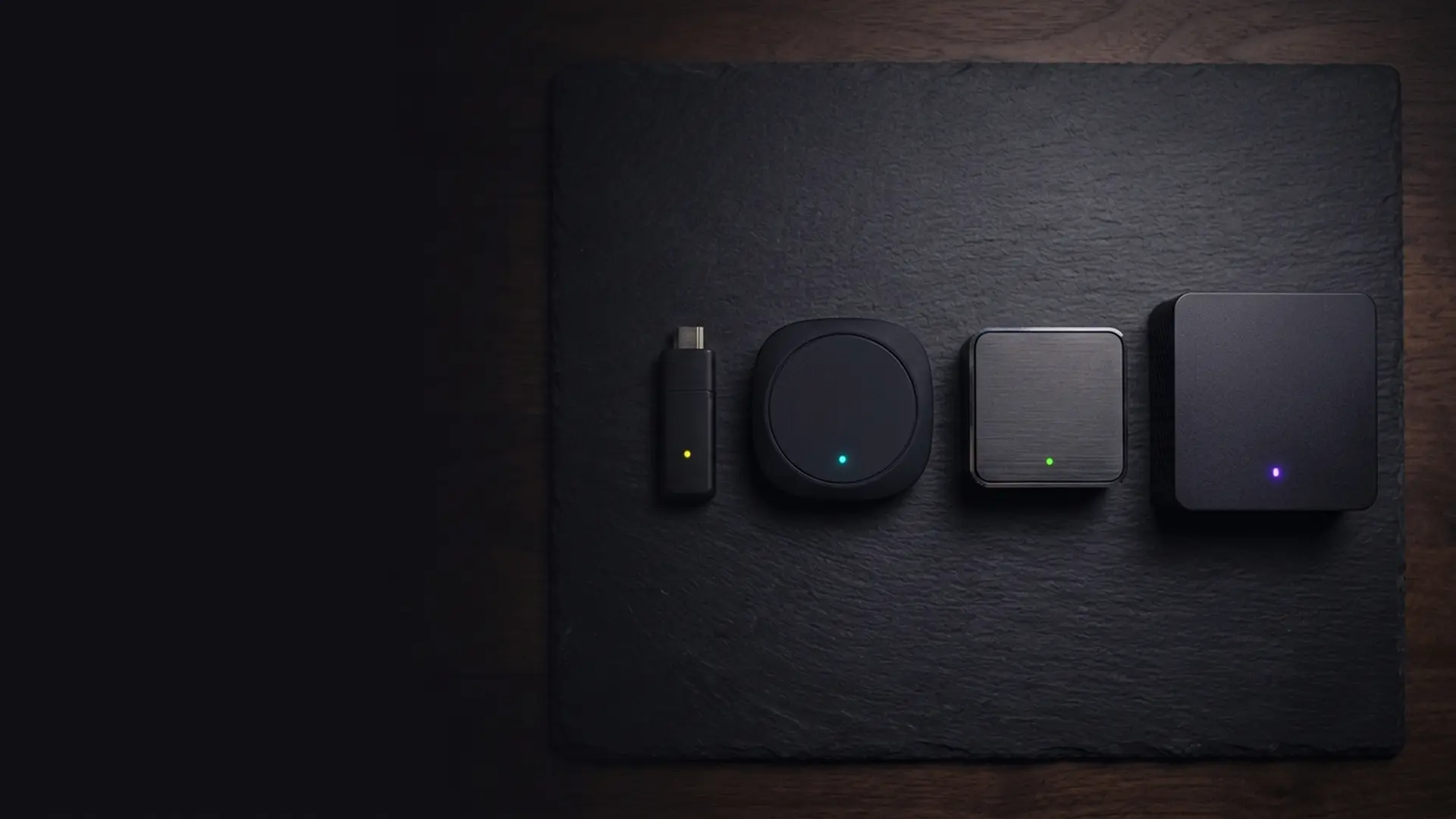
Nearly everything sold in Britain falls into one of four groups, and they solve different problems. If you are still working out whether you need any of them, start with what a smart TV actually is — the set you already own may cover more than you think, and where it falls short is predictable. Choosing a service before hardware is the right order — where to start covers that decision first. Whichever category you land in, the best streaming device UK-side is the one that runs the services you already pay for.
Streaming sticks
- Plug into HDMI, powered by USB.
- Run every mainstream app.
- The cheapest fix for a slow smart television.
- Wi-Fi only unless you add an adapter.
Premium boxes
- Faster processors and more storage.
- Ethernet built in.
- Better interfaces with fewer adverts.
- Worth it on a high-end television and a good sound system.
Free-TV boxes
- Deliver live British channels, free.
- Freely works over broadband with no aerial.
- Freeview Play recorders still have real hard disks.
- No subscription of any kind.
Provider pucks
- Supplied as part of a subscription.
- Tuned specifically to that provider’s service.
- Best-in-class interfaces, particularly Sky.
- Useless without the subscription behind them.
Most households end up with two: a provider puck or a free-TV box for the television side, and a stick for everything else. That is a sensible outcome rather than a redundancy.
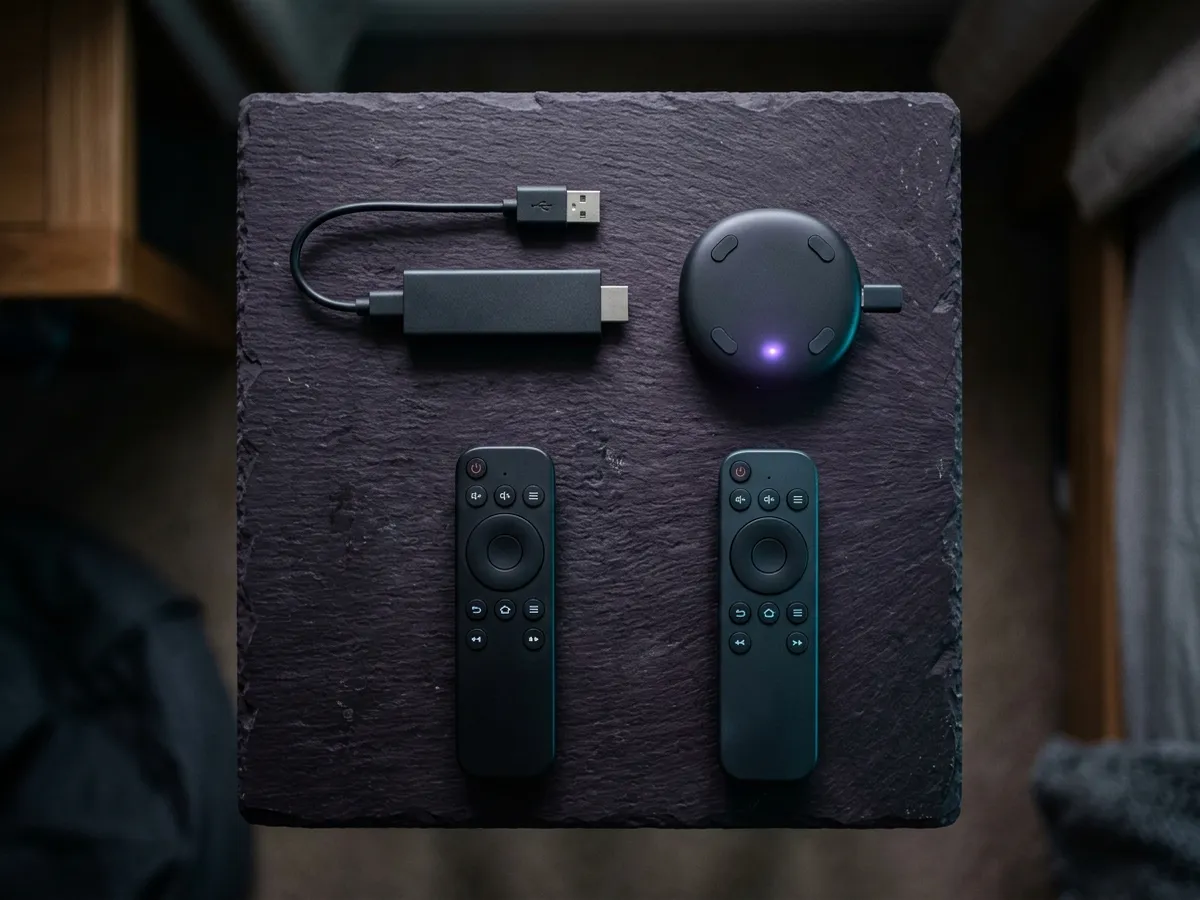
The best streaming device UK recommendations, by budget
| Budget | Buy | Roughly | Why |
|---|---|---|---|
| Minimum spend | Fire TV Stick HD | ~£40, often £25 in sales | Every UK app on a 1080p television. Nothing else comes close on price. |
| Best value | Fire TV Stick 4K Max | ~£70, often £45 | 4K HDR, 16 GB storage, Wi-Fi 6E. The default UK recommendation. |
| Cleanest interface | Roku Streaming Stick 4K | ~£50 | Neutral, uncluttered home screen with no promoted content shouting at you. |
| Best outright | Apple TV 4K | ~£150 | Fastest, quietest, best interface, Ethernet built in. Overkill for many. |
| Free live TV, no aerial | a Freely box for live British channels | ~£50–£100 | Live British channels over broadband, no subscription. |
| Free live TV with recording | Freeview Play recorder | ~£150–£250 | A real hard disk. One of the last ways to own permanent copies. |
Which streaming box UK buyers should avoid
Two categories are genuinely worth steering clear of, for quite different reasons. An unbranded streaming box UK sellers push at £25 is usually the false economy here.
Unbranded Android boxes
The generic black boxes sold on marketplace sites with impressive-sounding specifications and names nobody has heard of. They are cheap for reasons that become apparent within weeks.
- No security updates. Many ship with an outdated Android build and never receive a patch.
- No hardware HEVC or AV1 decoding on the cheapest units, which means 4K either refuses to play or stutters in software.
- No Widevine L1 certification, so Netflix and Disney+ cap at 540p regardless of the box’s claimed resolution.
- No support and no warranty worth pursuing.
The Widevine point is the one that catches people out most. A box can genuinely output 4K and still be restricted to standard definition by the streaming services, because they check the security of the decryption path rather than the video output. The mechanism is explained in our guide to why streaming buffers when the line dips.
Pre-loaded or "fully loaded" devices
Any device advertised as coming with "all channels", "all sports" or "no monthly fees" is configured for unlicensed IPTV. Anyone selling a box set up that way is committing a serious criminal offence, and prison sentences have followed.
Beyond the law, they are bad products: they fail during live football because of court-ordered blocking, they frequently carry malware on modified firmware, and there is no refund route when the service disappears. The legal page sets out who actually gets prosecuted.
Things that matter more than the spec sheet
What actually decides how a device feels
Four practical factors decide how good a device feels to live with, and none of them appears prominently on the box.
Storage
Apps cache aggressively. On an 8 GB device that cache eventually squeezes the free space the system needs, and the result is a device that was fine at purchase and sluggish two years later. 16 GB roughly doubles the useful life. It is the single most underrated specification in this category.
Ethernet
Sticks are Wi-Fi only unless you add an adapter for about £15. Premium boxes have a port built in. For 4K, a wired connection is the most effective single upgrade available — more effective than a faster processor, a better router or a higher broadband tier.
Where the device physically sits
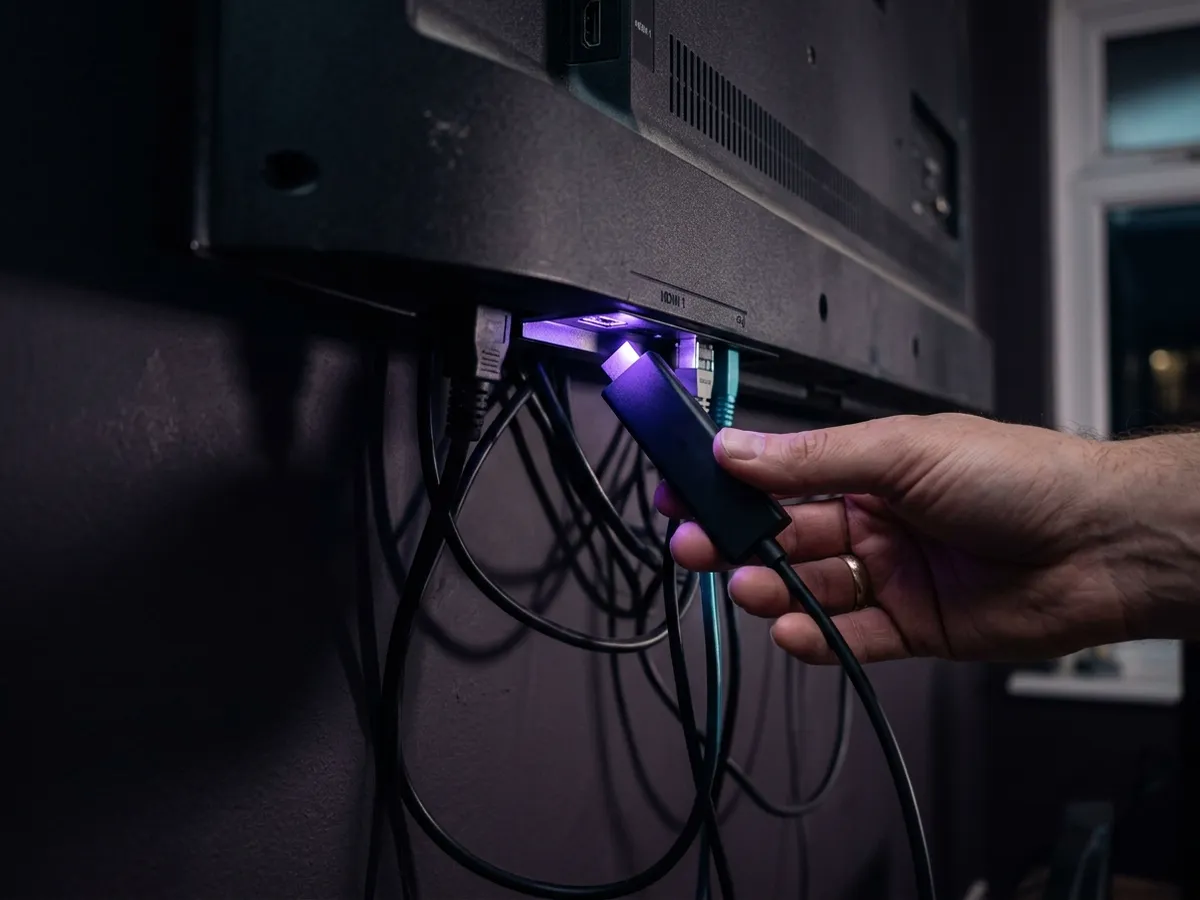
A stick plugged directly into a recessed HDMI port is surrounded by the television’s metal chassis, which measurably degrades Wi-Fi. The little HDMI extender in the box exists for this reason and is not optional packaging. Use it.
How much advertising the interface carries
This is a genuine quality-of-life difference and it varies enormously. The catch is Amazon’s home screen, which is built around selling you its own content and cannot be fully tamed in settings. Roku is neutral. Apple is clean. If you find promotional clutter irritating, weight this heavily — you will look at that screen every day for years.
Matching the device to the service
The correct order is service first, hardware second. This table works backwards from what you want to watch. That match matters more than any ranking of the best TV box UK reviewers publish.
| You want… | Device | Note |
|---|---|---|
| Free UK channels, no aerial | Freely box or Freely TV | Not available as an app on existing sticks. |
| Free UK channels with an aerial | Freeview Play, already in your TV | Check before buying anything. |
| Free UK channels plus recording | Freeview Play recorder | One of the last real hard disks. |
| NOW | Any stick | Runs on essentially everything. |
| Sky without a dish | Sky puck, supplied | No alternative hardware. |
| EE TV | EE box, supplied | Box Pro if you want recordings. |
| Netflix, Disney+, Prime | Any stick or box | Check Widevine L1 on cheap boxes. |
| Everything, one input | Sky Stream puck | The best aggregator in the UK. |
The one combination we would actively recommend to most households: whatever free platform your television supports, plus a Fire TV Stick for app breadth, plus a rolling monthly subscription taken seasonally. That covers nearly everything and costs very little.
Three device guides worth reading before you buy: Firestick vs Roku, which decides the comparison most British buyers actually face; our walkthrough of running IPTV on a Fire TV Stick, which covers what the stick genuinely runs and where the legal line sits, and our assessment of the NOW Smart Stick and NOW TV Box, which explains why own-brand provider hardware is usually the wrong purchase.
Setting up a new device properly
Most people plug a new device in and start watching, which works but leaves real performance on the table. Ten minutes of setup makes a difference you will notice for years.
Use the right HDMI port
A 4K device needs an HDMI 2.0 or later port. On a set with several HDMI sockets, only some are fast enough for 4K HDR; plug into an older one and you lose both without being told. The ports are usually labelled on the back panel.
Power from the mains, not the television
A television’s USB socket is rarely powerful enough to run a stick reliably. The symptom is random reboots and Wi-Fi dropping during 4K playback, and it is misdiagnosed as a faulty device constantly. Always use the supplied mains adapter.
Use the HDMI extender on a stick
Use the little extension lead from the box: a stick buried against the television’s metal back gets noticeably worse Wi-Fi. It is a genuine performance component, not packaging.
Join the 5 GHz network
If your router publishes separate 2.4 GHz and 5 GHz names, use 5 GHz. It is faster and far less congested, which matters more than raw broadband speed for streaming stability.
Enable HDMI-CEC
This lets one remote control the television’s volume and standby. Manufacturers all call it something different — Anynet+ on Samsung, Bravia Sync on Sony, Simplink on LG, Viera Link on Panasonic — but it is the difference between one remote and three.
Turn off autoplay previews
Home-screen trailers consume bandwidth and slow navigation. On Fire TV it is under Settings, Preferences, Featured Content. Roku and Apple TV have equivalents.
How long the best TV box UK options last before replacing
Streaming devices do not wear out mechanically. They become obsolete in three specific ways, and knowing which one you are hitting tells you whether to fix it or replace it. As a rule of thumb, a stick stays pleasant for three to four years and a premium box for five or six. Neither wears out mechanically — both are outpaced by the apps they run, which is why replacing a £40 stick beats replacing a television.
| Symptom | What is happening | Fix or replace? |
|---|---|---|
| Slow menus, apps take ages to open | Storage full of accumulated cache | Fix. Clear the caches — this buys years. |
| An app disappears or stops updating | The service dropped support for that OS version | Replace. There is no route back once support ends. |
| New format will not play | No hardware decoder for HEVC or AV1 | Replace. Software decoding is not a viable workaround. |
| Streams capped at 540p | Widevine L3 rather than L1 certification | Replace. Certification is fixed in hardware. |
| Random reboots | Usually insufficient power | Fix. Power from the wall socket rather than the television. |
| Wi-Fi keeps dropping | Old Wi-Fi standard, or poor placement | Try Ethernet or the HDMI extender first, then replace. |
A reasonable working expectation is four to six years for a mainstream stick, and longer for a premium box with more storage. The first genuine reason to replace is almost always an app dropping support for the operating system, and that is the point at which no amount of maintenance helps.
The corollary is that a sluggish two-year-old device is almost never worth replacing. Clear the caches, remove unused apps, wire it, and it will feel new again. Buying hardware to solve a storage problem is the most common avoidable purchase in this category.
Every device guide in this hub
Each guide below goes considerably deeper on one category — what to buy, what the spec sheet leaves out, and how to get the best from it.
Firestick guide
Britain’s default streaming device. Every model compared, the UK apps that matter, and a straight answer on jailbroken sticks.
Firestick vs Roku
Two sticks, thirty pounds apart, and one big difference nobody mentions: what the home screen tries to sell you.
IPTV on a Firestick
The Fire TV Stick is Britain’s default IPTV device. What it runs, what it cannot, and an honest treatment of the legal question.
Freely TV boxes
Free live British television over broadband on a set that never shipped with Freely. Which box to buy and what it genuinely does.
NOW TV Stick & Box
Sky’s own-brand streaming hardware, judged against the competition. Usually the wrong purchase, and here is precisely why.
Freeview & Freesat recorders
Humax, Manhattan and the handful of boxes that still hold recordings on a hard disk — and why Sky Stream, Freely and every streaming stick record nothing at all.
What is a smart TV?
The plain-English answer, plus the three things nobody mentions in the shop: aerials, app lifespans, and what your television reports back about you.
Once the hardware is sorted, our setup and troubleshooting guides cover the routine maintenance that keeps it quick.
Frequently asked questions
What is the best streaming device in the UK?
The Amazon Fire TV Stick 4K Max for most households — around £70 and frequently half that in sales, with every UK app, 4K HDR and enough storage to age well. Apple TV 4K is the better device outright at roughly twice the price, and Roku is the cleaner interface if Amazon’s promoted content annoys you.
Do I need a streaming device if I have a smart TV?
Not necessarily, but it is usually worth it on a set more than about four years old. Television manufacturers stop updating built-in software long before the panel wears out, so apps become slow or disappear entirely. A £40 stick restores full app support far more cheaply than replacing the television.
What is an IPTV box?
Loosely, any set-top box that streams television over the internet — which covers Fire TV Sticks, Freely boxes, Sky Stream pucks and EE TV boxes alike. Be cautious with anything specifically advertised as an "IPTV box" with all channels included, which almost always means an unlicensed service.
Are cheap Android TV boxes any good?
Generally no. The cheapest units lack hardware HEVC decoding, so 4K stutters or refuses to play, and most lack Widevine L1 certification, which caps Netflix and Disney+ at 540p regardless of the claimed output resolution. They also stop receiving security updates almost immediately.
Can I get Freely on a Fire TV Stick?
No. No streaming stick can run Freely, because it lives inside a television’s operating system rather than in an app store. Amazon’s Fire TV sets carry it; its plug-in sticks do not. A Freely box adds it to an older television for a one-off payment.
Do streaming devices need Ethernet?
Not strictly, but a wired connection is the most effective single improvement for 4K streaming — more effective than a faster processor or a higher broadband tier. Sticks need a roughly £15 adapter; premium boxes such as Apple TV 4K and the Fire TV Cube have a port built in.
How long should a streaming device last?
Four to six years for a mainstream stick, longer for a premium box with more storage. They do not wear out mechanically — they become obsolete when an app drops support for the operating system, or when a new codec arrives that the hardware cannot decode. A device that has merely become slow is almost always fixable by clearing caches rather than replacing.
Should I buy a streaming device or a new smart TV?
A device, in almost every case. Television manufacturers stop updating built-in software years before the panel wears out, so a set with slow or missing apps usually has nothing wrong with its picture. A £40 stick replaces the abandoned computer inside it for a fraction of the cost of a new television.
What is Widevine L1 and why does it matter?
Widevine is the DRM system that protects premium streaming content, and L1 means decryption happens inside the device’s secure hardware. Services restrict HD and 4K to L1 devices, so a cheap box with only L3 certification will be capped at around 540p on Netflix and Disney+ no matter what resolution it claims to output.
How much internet speed do I need for a streaming device?
About 10 Mbps per HD stream and 25 to 30 Mbps per 4K stream. Stability matters more than headline speed, and Wi-Fi is usually the bottleneck rather than the broadband line itself. Before paying for a faster broadband package to fix buffering, try a £15 Ethernet adapter — in most British homes it solves the problem outright and costs nothing per month.
This page is part of our Devices hub.
See all devices guides