Devices
Firestick vs Roku: Which Streaming Stick Is Better in the UK?
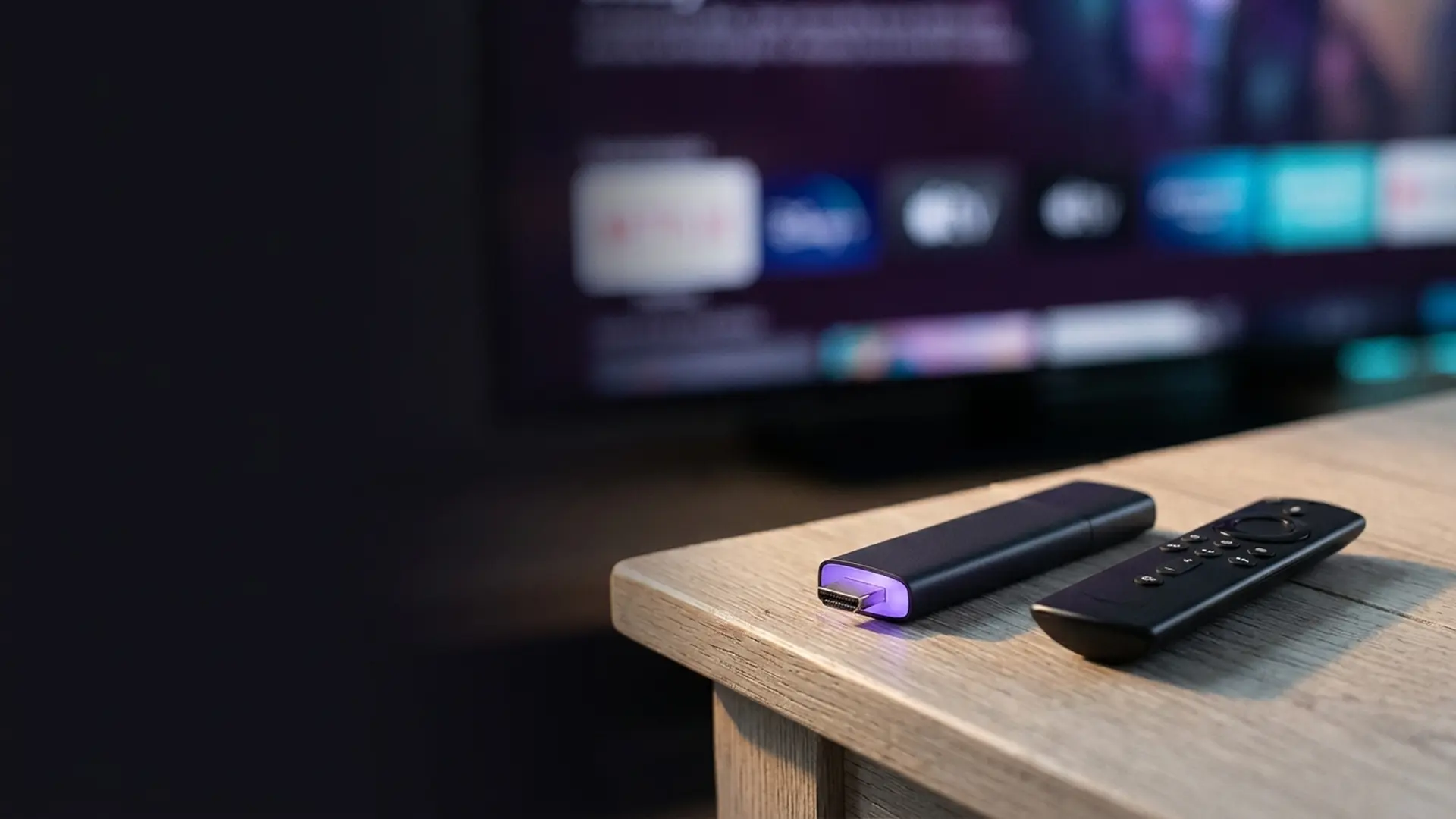
Firestick vs Roku is the decision most British households actually face when a television starts to feel slow. Both plug into an HDMI port, both carry every UK catch-up app, and both turn an ageing set into a working smart TV for well under a hundred pounds. The genuine difference is not the picture or the apps — it is what the home screen does when you switch it on.
The short answer
- Roku has the cleaner, neutral home screen. The Firestick home screen sells to you.
- The Firestick has the broader app range and allows sideloading. Roku does not.
- Both carry every mainstream UK catch-up app, in the same quality.
- Neither can add Freely — that is a television platform, not an app.
These two sticks have been the default answer to "my telly has got slow" in Britain for about a decade, and the comparison between them has barely changed in that time. Amazon competes on price, app breadth and sale discounts. Roku competes on not irritating you. Which of those matters more is genuinely a matter of temperament rather than specification.
What is not in dispute is that either one works. Both output 4K HDR on their current models, both carry every mainstream British and American streaming app, and both are running within about five minutes of opening the box. Anyone telling you one has meaningfully better picture quality than the other at the same price point is selling something.
Set the two against each other and the differences that genuinely exist are easy to isolate — and there are fewer of them than most review sites suggest. The ones that remain, though, are the ones you meet several times an evening for the life of the device, which is why they matter far more than the specification sheets imply.
This page covers price, the interface difference in detail, what each one can and cannot install, and then gives the decision as a table you can match yourself against.
What is the difference between a Firestick and a Roku?
Mainly the home screen and the app store. Roku opens on a plain grid of the apps you chose; Amazon opens on a shop window of its own content, and no setting fully clears it away. In exchange, the Firestick carries a wider app range and permits sideloading, which Roku does not allow at all.
| Fire TV Stick 4K Max | Roku Streaming Stick 4K | |
|---|---|---|
| Typical UK price | ~£70, often ~£30 on sale | ~£50 |
| Maximum output | 4K HDR, Dolby Vision | 4K HDR, Dolby Vision |
| Home screen | Ad-heavy, promotes Amazon content | Clean and neutral |
| UK catch-up apps | All | All |
| App range | Broader | All the mainstream ones |
| Sideloading | Yes | No |
| Voice assistant | Alexa, genuinely capable | Basic voice search |
| Ethernet | Adapter needed (~£15) | Adapter needed |
| Freely | Not available | Not available |
| Best for | Value, app breadth, Alexa households | Anyone who wants to be left alone |
Which is cheaper, a Firestick or a Roku?
At list price the Roku is cheaper — around £50 against £70 for the Fire TV Stick 4K Max. But the Firestick goes on sale far more aggressively, dropping to roughly £30 twice a year, and at that price nothing else competes. If you can time the purchase, the Firestick wins on cost outright.
That discounting pattern is the single most important thing to know about buying a Firestick, and it is entirely predictable. Amazon uses its own hardware as a loss leader into its ecosystem, so the sticks are cut hard during Amazon-run sale events and again in the run-up to Christmas. Paying full list price for one is rarely necessary.
Roku discounts too, but less steeply and less often, because the business model is different — Roku makes its money from the advertising and content deals inside the platform rather than from pulling you into a retail ecosystem. The list price is closer to the real price.
~£30
Firestick on sale
Roughly twice a year.
~£50
Roku list price
Discounts are shallower.
~£15
Ethernet adapter
Worth it on either for 4K.
5 min
Setup, either stick
Unbox to watching.
Which has the better interface?
Roku, clearly and by a wide margin. Its home screen is a plain grid of the apps you chose, in the order you put them, with no promoted content occupying the top third. The Firestick home screen is built around Amazon recommendations and autoplaying trailers, and there is no setting that removes them entirely.
This is the difference that matters most day to day, and it is the one people underweight when buying. A streaming stick is a thing you interact with several times an evening, usually for ten seconds at a time, to get to something you already decided to watch. Anything standing between you and that is friction you will experience thousands of times over the life of the device.
The Firestick can be improved, but not fixed. Switching off the home-screen trailers in the Featured Content settings quietens things down and saves a little bandwidth, but the promoted rails themselves stay put. The promoted rails themselves stay. Our Firestick guide covers that settings change and the other four adjustments worth making.
Where Amazon pulls ahead is voice. Alexa on a Firestick is genuinely useful — asking for a title, an actor or a genre lands in the right place reliably, and it is far faster than an on-screen keyboard. Roku voice search exists and works, but it is basic by comparison.

Do both have all the UK catch-up apps?
Yes. BBC iPlayer, ITVX, Channel 4, My5, plus Netflix, Disney+, Prime Video, Paramount+, Discovery+ and Apple TV+ are all present and maintained on both platforms. For the apps a British household actually uses, there is no practical difference between them.
The divergence appears further out, among smaller and more specialist apps. The Fire TV store is larger, and because Fire OS is built on Android a great deal more software has been ported to it. If you use something niche — a media server client, a regional service, a smaller sports app — check it exists on Roku before buying, because the Roku store is curated and considerably smaller.
Can you sideload apps on a Roku?
No. Roku is a closed platform — you install what is in the Roku Channel Store and nothing else. The Firestick does allow sideloading, because Fire OS is Android underneath and Amazon leaves developer options available, which is a genuine functional advantage for some people and an irrelevance for most.
The legitimate reasons to sideload are real but narrow: a media server client such as Jellyfin that Amazon has not listed, a player for your own files, a regional app unavailable in the UK store. If any of those describe you, Roku will frustrate you and the Firestick will not.
The illegitimate reason is the one most searches are really about, and it is worth being direct. Sideloading unlicensed IPTV apps onto a Fire TV Stick is what "jailbreaking" means in practice. The law does not care which stick you own. It cares what the stick has been configured to receive, and supplying one set up for unauthorised pay-TV is a serious criminal offence — the full legal position explains who ends up in court.
Seen from that angle, Roku being closed is a feature rather than a limitation. A household that has no intention of sideloading anything loses nothing by choosing the platform that cannot.
Which is better for an older television?
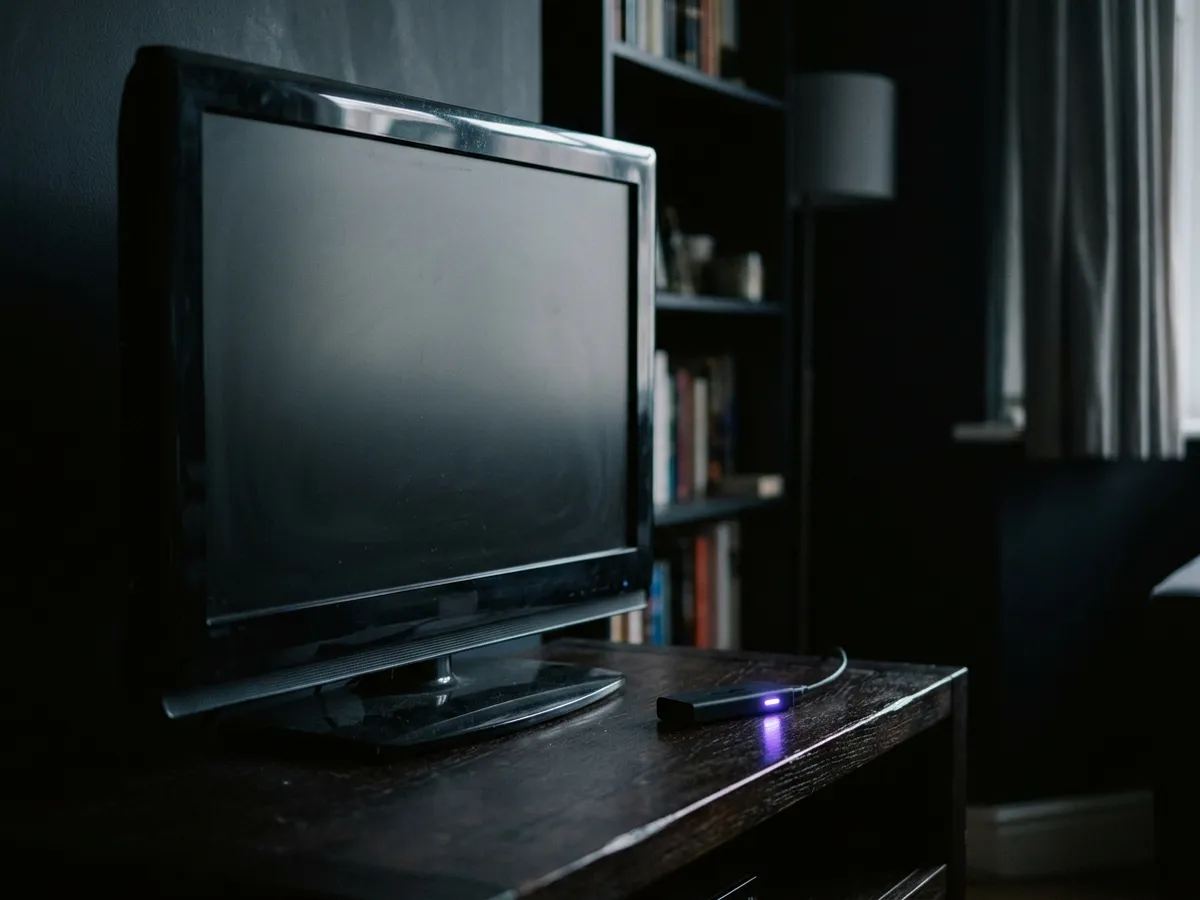
Either — the brand matters far less than adding one at all. An older television’s built-in apps stop receiving updates years before the screen itself fails, and a stick costing £30 to £50 gives it current software again for a fraction of a new set.
| Television age | What to do | Why |
|---|---|---|
| Under two years | Use the built-in apps | A stick adds very little at this point. |
| Two to four years | Either stick, optional | Noticeably faster, but not yet necessary. |
| Over four years | Buy a stick | The cheapest meaningful upgrade available. |
| Apps missing or not updating | Buy a stick | That is the manufacturer withdrawing support, and it is a one-way door. |
| No 4K on the television | Either, in HD | Buy the cheaper HD model of either stick. |
One caveat applies to both: power the stick from the wall, not from the television. A TV’s USB socket often cannot keep up once the stick is working hard, and the restarts and dropped Wi-Fi that follow are routinely blamed on the stick itself. Our guide to what a smart TV actually includes covers how long each platform stays supported.
Firestick or Roku: which should you buy?
Buy the Roku if a clean home screen matters to you and you will only ever use mainstream apps. Buy the Firestick if you want the widest app range, you use Alexa, or you can wait for it to drop to £30. For most British households the Firestick is the right buy, largely on that sale price.
Roku Streaming Stick 4K
- You find promoted content on a home screen genuinely irritating.
- You want to hand it to someone who is not confident with technology.
- You only use mainstream apps and always will.
- You want the lower price without waiting for a sale.
Fire TV Stick 4K Max
- You can wait for a sale, at which point nothing competes on price.
- You already use Alexa, or you want voice search that genuinely works.
- You need an app outside the mainstream, or a media server client.
- You want the larger store and the option to sideload legitimately.
If neither appeals, there are two other answers worth knowing. An Apple TV 4K is the best streaming device sold in Britain and costs more than twice either of these — worth it if the budget exists. A Google TV Streamer suits households already invested in Google. Both are covered in our full streaming device comparison.
What neither stick will do for you
Three things, and all three catch people out. Neither can add Freely, because that is a television platform rather than an app. Neither records anything — there is no hard disk and no cloud equivalent on either. And neither reduces what you pay for the services you watch.
That last point is worth stating plainly, because a good deal of marketing implies otherwise. A streaming stick is a way into apps you already pay for. It carries no channels of its own, it grants no subscriptions, and a household with no subscriptions ends up with the free catch-up apps and nothing more — which is a perfectly good outcome, but not the one some buyers expect.
If live British channels are what you are actually after, a stick is the wrong purchase. Freely or Freeview Play carry them for nothing, and our comparison of the two works through which suits your property. If recording matters, a Freeview recorder is the only route to a disk you own.
Frequently asked questions
Is Roku better than Firestick?
Roku has the better interface — a clean, neutral home screen with no promoted content. The Firestick has the wider app range, better voice search and much steeper sale discounts. Neither is better overall; it depends which of those you value.
Which is cheaper, Roku or Firestick?
Roku is cheaper at list price, around £50 against £70. But the Firestick drops to roughly £30 twice a year, and at that price it is the cheaper device by a clear margin. If you can time the purchase, buy the Firestick on sale.
Do Roku and Firestick have the same apps?
For everything mainstream, yes — all the UK catch-up apps and all the major subscription services are on both. The Fire TV store is larger for niche and specialist apps, so check anything unusual exists on Roku before buying.
Can you get Freely on a Firestick or a Roku?
No. Freely is a television platform rather than an app, so it cannot be installed on any streaming stick. Adding Freely to an older television requires a dedicated Freely box from Humax or Netgem.
Can you sideload apps on a Roku?
No. Roku is a closed platform and installs only what is in its own channel store. The Firestick permits sideloading because Fire OS is built on Android, which is an advantage if you need a media server client or a specialist player.
Does the Firestick have adverts on the home screen?
Yes, and there is no setting that removes them entirely. You can stop the trailers autoplaying under Settings, Preferences, Featured Content, which helps both the irritation and the bandwidth, but the promoted rails themselves remain.
Is there a picture quality difference between Roku and Firestick?
No meaningful one. Both current 4K models output 4K HDR with Dolby Vision and stream from the same services at the same bitrates. On the same television they look the same.
Do I need a Firestick or Roku if my TV is already smart?
Only if the television is more than about four years old, or its apps have stopped updating. Manufacturers abandon built-in smart platforms long before the panel wears out, and a stick replaces that abandoned computer for well under fifty pounds.
Which is better for someone who is not confident with technology?
Roku. The home screen is a plain grid of the apps you installed, with nothing trying to sell anything, which makes it considerably easier to hand to someone who simply wants to press a button and watch television.
Do I need an Ethernet adapter for either stick?
Not strictly, but it is the best fifteen pounds you can spend on either device. Wiring the stick removes the commonest cause of 4K buffering outright, and it matters more to the experience than the choice between the two brands.
Are jailbroken Firesticks illegal in the UK?
Buying a stick, owning one and using one breaks no law at all. What is criminal is supplying one already configured to reach subscription broadcasts without authorisation — an offence under section 297A of the Copyright, Designs and Patents Act 1988, with a ten-year maximum.
Will a streaming stick lower my TV bill?
No. A stick is a way into apps you already pay for — it carries no channels of its own and grants no subscriptions. What can lower the bill is switching to a free platform for live channels, which needs Freely or Freeview rather than a stick.
This page is part of our Devices hub.
See all devices guides