Devices
IPTV on a Firestick: What Works, and What Is Legal
A Fire TV Stick is an excellent IPTV device, and an IPTV Firestick setup is the commonest way British households watch streamed television. Every licensed UK service runs on it, it costs about £40, and it turns any television into a capable streaming machine. It is also the device most heavily associated with unlicensed IPTV in Britain — so this page covers both what genuinely works and precisely where the line sits.
The short answer
- Every licensed UK service — NOW, iPlayer, ITVX, Sky Go — is in the Amazon store.
- Freely is the one significant gap. It cannot be added to an existing stick.
- Player apps are legal. What you load into them determines the rest.
- Selling a "loaded" stick is a criminal offence carrying up to ten years.
Type "IPTV Firestick" into Google in the UK and the results divide neatly into two piles: pages selling unlicensed subscriptions, and pages nervously refusing to discuss the topic at all. Neither is much use if you simply want to know what your stick can do.
So this page takes the direct approach. It covers the licensed services that run on a Fire TV Stick and how to get the best from them, the genuinely lawful reasons to install a player app, and a plain account of the legal position on the third category — because pretending nobody is asking helps nobody.
The hardware behind this guide is a Fire TV Stick 4K Max and a Fire TV Stick HD, on the same 67 Mbps connection used across the site.
What a Firestick IPTV setup can actually watch
Rather more than most people realise. Every mainstream British television service has a Fire TV app, and they are all in the Amazon Appstore on the device — no sideloading, no configuration, no playlists.
| What you want | App | Cost |
|---|---|---|
| BBC channels and box sets | BBC iPlayer | Free with a TV Licence |
| ITV channels and originals | ITVX | Free, ad-supported |
| Channel 4 catalogue | Channel 4 | Free, ad-supported |
| Channel 5 and sisters | My5 | Free, ad-supported |
| Dave, Yesterday, Drama, W | UKTV Play | Free, ad-supported |
| Sky Sports, Sky Atlantic, Sky Cinema | NOW | From ~£10/month, no contract |
| Sky, if you already subscribe | Sky Go | Included with Sky |
| Champions League, boxing | TNT Sports | Subscription |
| Films and series | Netflix, Disney+, Prime Video | Subscription |
That covers essentially all British television that anybody actually watches, at a range of price points starting at nothing. For a household wondering what a Fire TV Stick is capable of, this list is the answer.

How to get IPTV on Firestick using the licensed apps
Install them from the Amazon Appstore — NOW, Prime Video, iPlayer, ITVX, Channel 4 and My5 are all there, and that is the whole of it. Five setup steps, done once, make a measurable difference to how every one of them performs.
Power from the mains adapter
Not a USB port on the television. Underpowered sticks reboot randomly and drop Wi-Fi under load, and the fault gets blamed on the apps.
Use the HDMI extender
Fit the extension lead that comes with it, so the stick hangs away from the metal back of the set and its Wi-Fi reception improves.
Join 5 GHz, or add an Ethernet adapter
For 4K, a wired connection is the single most effective upgrade available — around £15, and it removes the most common cause of buffering entirely.
Sign in to every free service first
None of the big British catch-up apps charges, though each asks you to create a free login first. Doing them in one sitting saves interruptions later.
Turn off home-screen autoplay
Settings, Preferences, Featured Content. Trailers playing automatically consume bandwidth and processor time constantly.
If the stick has been in service a while and feels sluggish, that is storage rather than a network problem — our guide to clearing the cache on a Fire TV Stick covers the routine.
What is the best IPTV player for Firestick?
A player app takes a playlist you supply and presents it as a channel list. It contains no content of its own. There are four genuinely lawful reasons to install one on a Fire TV Stick. Our full write-up of the IPTV Smarters player goes through its settings in detail.
- Your own aerial via a network tuner. An HDHomeRun or similar attaches to your rooftop aerial and publishes those channels as a playlist on your home network. A player on the stick then watches them. This is your aerial, in your home — unambiguously fine.
- A home media server. Jellyfin, Emby or Plex running on a computer or NAS can serve live TV and recordings. Their own Fire TV apps are usually better than a generic player, but either works.
- Freely licensed public channel lists. Some broadcasters publish genuinely open streams — government channels, community stations, certain news services — and community projects maintain curated lists.
- Institutional distribution. Internal channel systems in hotels, hospitals and workplaces, run under the operator’s own licence.
For any of these, install the player from the Amazon Appstore on the device rather than sideloading. IPTV Smarters and several alternatives are listed there, and a store install avoids the modified builds that circulate through download sites.
Our players hub compares the main options on EPG handling, codec support and how gracefully each copes with an imperfect playlist.
Is IPTV on a Firestick legal?
What is unlawful is the third category. Supplying a device or service built to get round pay-TV encryption is one of the more serious offences in UK copyright law, with a maximum of ten years’ imprisonment. Loaded Fire TV Sticks are exactly what it targets, and sellers in Britain have gone to prison for them.
For buyers, the offence is different and lesser. Buyers face a separate, lesser offence under section 297 — dishonestly receiving a broadcast to avoid paying — which is punished with a fine rather than prison. Enforcement concentrates overwhelmingly on sellers. But the practical risks are more immediate than the legal one:
- It fails during the football. The Premier League wins court orders that make broadband providers block pirate servers live, match by match, so the picture drops at exactly the moment you wanted it. A service that works all week and dies every Saturday at three is being blocked, not broken.
- Sticks sold ready-loaded have repeatedly turned out to carry altered firmware and unchecked apps — software you are then running inside your own home network.
- There is no recourse. When it breaks, there is nobody to ask for help or a refund, and no card company will chase an anonymous seller for you.
- Your details end up in a seized database. When a seller is raided, the customer list goes with the servers, and buyers on it have been written to.
The statutes, the prosecutions and what enforcement looks like today are all set out on the legal page.

How to install IPTV on Firestick, and why sideloading is the wrong route
Sideloading — installing an app from outside the Amazon store — is a feature Amazon provides, not a hack, and it has legitimate uses. Jellyfin, some media players and various open-source utilities are not in the store and can only be installed this way.
It is also the mechanism by which most compromised Fire TV Sticks get compromised, so it is worth being clear-eyed about the risk profile.
| Source | Risk | Notes |
|---|---|---|
| Amazon Appstore | Low | Reviewed, signed, and updated automatically. |
| Official project site (e.g. Jellyfin) | Moderate | Usually genuine, but verify the domain carefully. |
| APK aggregator sites | High | Repackaged builds are routine and verification is nonexistent. |
| A link sent by a seller | Highest | Pre-configured and supplied by someone already operating unlawfully. |
| Pre-loaded on a purchased device | Highest | Unknown firmware, and selling these is a criminal offence. |
We do not publish sideloading walkthroughs. The apps with legitimate uses have their own documentation, and the ones people usually want instructions for are the ones this site exists to steer away from.
How do you watch sport legally on a Firestick?
Since sport is what drives most of these searches, it is worth setting out what it genuinely costs — because the gap is smaller than the assumption.
| You want | App | Approximate cost |
|---|---|---|
| Premier League, EFL, F1, cricket | NOW Sports Membership | ~£35/month, no contract |
| A single fixture | NOW Sports day pass | ~£15 for 24 hours |
| Champions League, boxing, MotoGP | TNT Sports | ~£18/month |
| Free highlights | BBC iPlayer — Match of the Day | Free with a TV Licence |
| Free live sport | iPlayer and ITVX carry some fixtures | Free with a TV Licence |
The tactic that changes the arithmetic is treating NOW as seasonal. There is no contract, so you pay during the months with fixtures you care about and cancel for the rest. Nine months instead of twelve saves roughly a quarter; six months saves half. Over a year that lands far closer to what unlicensed sellers charge than most people expect — and it works every Saturday.
Full detail is in our NOW review, and the wider market in our comparison of legal UK services.
Is a Fire TV Stick the right IPTV Firestick device for this?
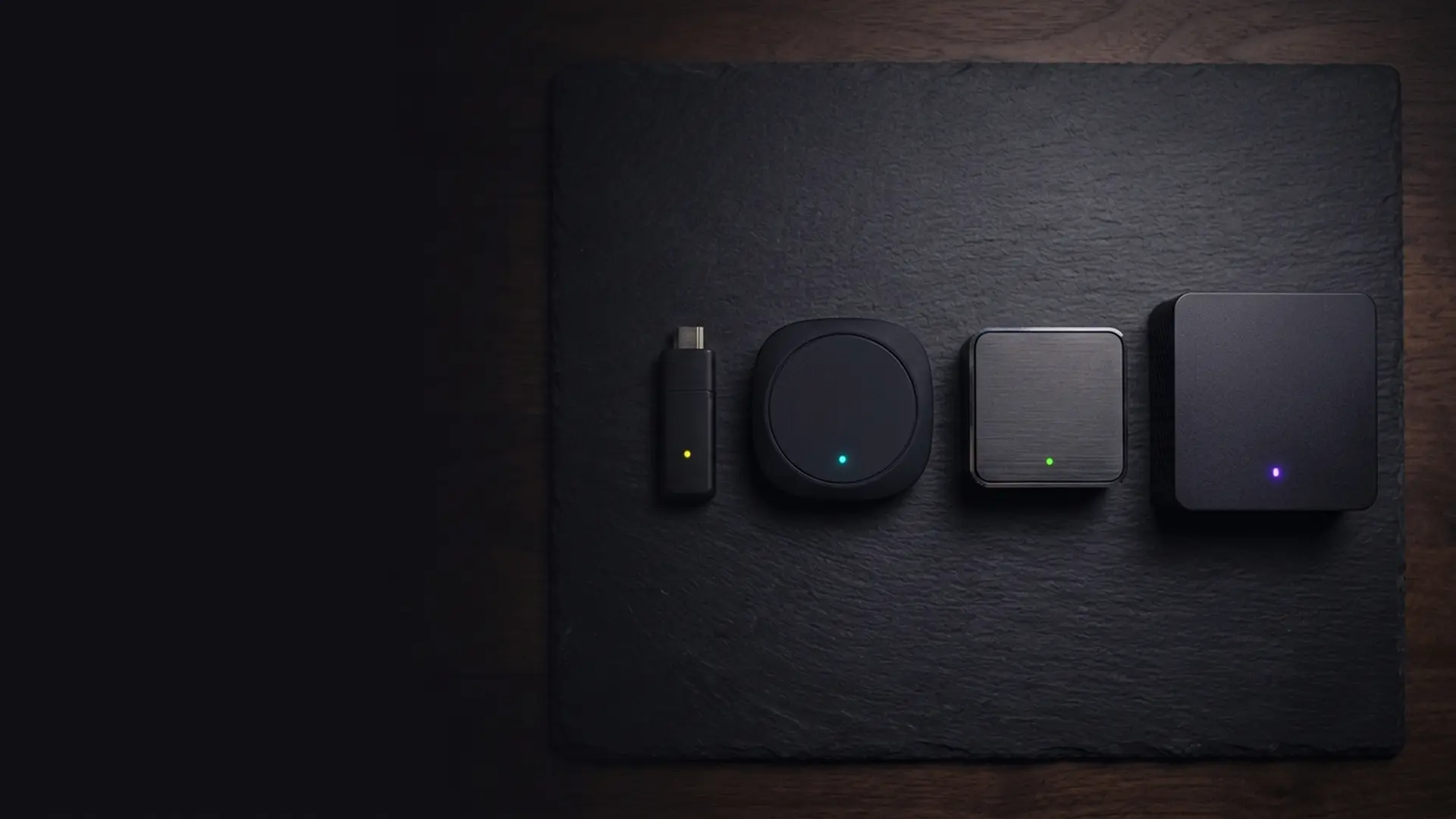
It is the default in Britain, but not automatically the best choice. The 4K Max runs every licensed UK app, allows sideloading, carries 16 GB of storage and drops to around £45 in sales. Four alternatives are worth weighing depending on what you are actually doing.
It is the default in Britain, but not automatically the best choice. Four alternatives are worth weighing depending on what you are actually doing.
| Device | Strength for IPTV | Weakness |
|---|---|---|
| Fire TV Stick 4K Max | Every licensed UK app, sideloading available, 16 GB storage, ~£45 in sales. | Advertising-heavy home screen; Wi-Fi only without an adapter. |
| Roku Streaming Stick 4K | Cleanest interface of the mainstream sticks, all UK catch-up apps present. | No sideloading at all, so no third-party players. |
| Apple TV 4K | Fastest hardware, Ethernet built in, best interface, longest support life. | Around £150, and no sideloading. |
| Google TV Streamer | Ethernet built in, full Play Store, good Jellyfin and Plex support. | About £100, and a smaller UK app selection than Fire TV. |
| A Freely TV or box | Live British channels over broadband with no aerial at all. | Not an app platform — it does one job. |
The decisive difference is sideloading. Roku and Apple TV do not permit it, which rules out third-party player apps entirely. If you are running a home media server or a network tuner, that matters. If you only want the licensed services, it does not, and Roku’s uncluttered interface becomes a genuine advantage.
Where the Fire TV Stick genuinely wins
- Price. It is discounted to around £25–£45 several times a year. Nothing else comes close.
- UK app coverage. Every British service ships a Fire TV app, and some smaller ones ship nothing else.
- Sideloading, for legitimate uses. Jellyfin and several open-source players are not in any store.
- Storage on the Max. 16 GB against 8 GB on cheaper devices, which roughly doubles how long it stays quick.
Where it loses is the home screen. Amazon fills it with promoted content and autoplaying trailers, and there is no setting that removes this entirely — only the autoplay can be disabled. If that irritates you daily, weigh it seriously, because you will see that screen every time you turn the television on. The wider field is compared in our streaming device guide.
The rest of our device guides
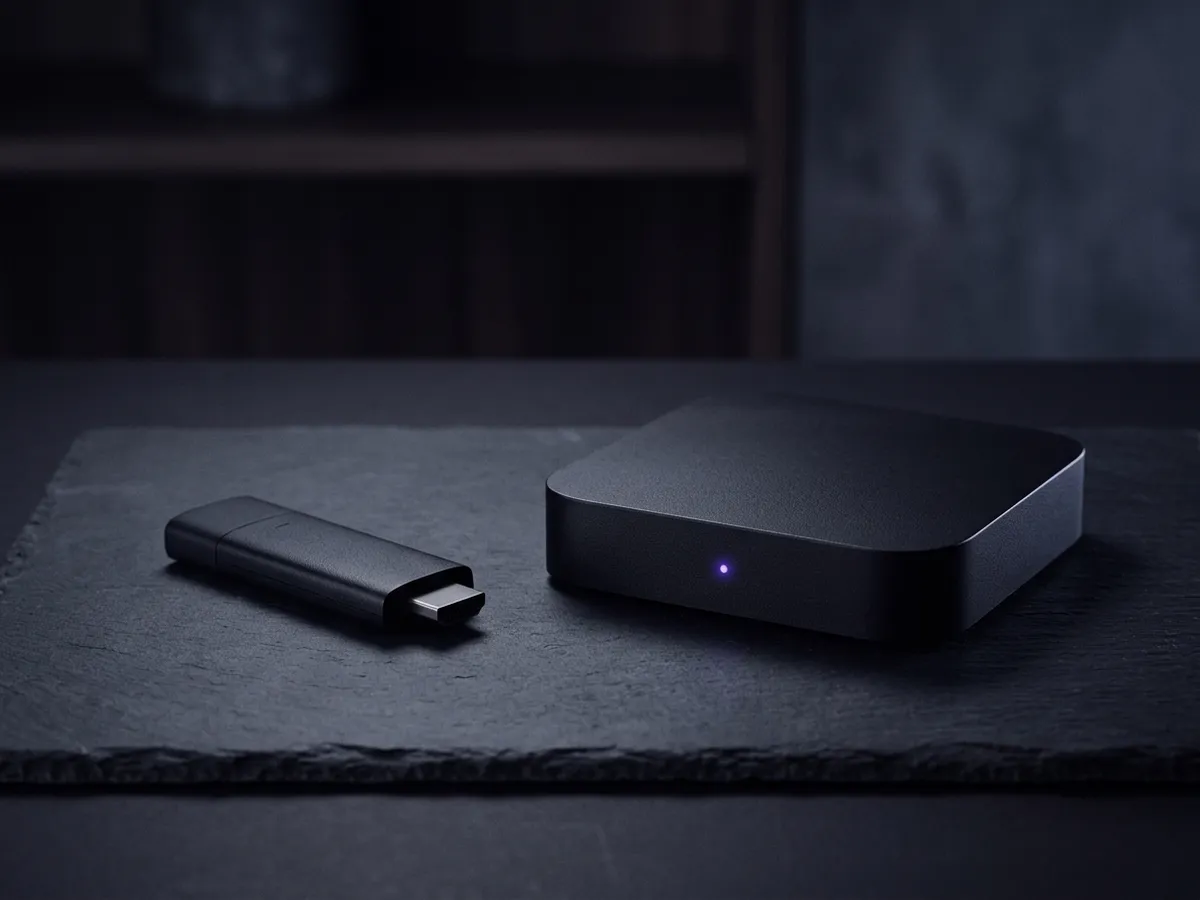
This page covers what a Firestick plays and what it may not. The buying decision, and the alternatives, are elsewhere in our streaming device guide.
- Which Firestick to buy — the model comparison, why storage matters more than the spec sheet suggests, and what to avoid.
- the Humax and Netgem Freely boxes — the free live-channel platform you cannot add to a Firestick at any price.
- The NOW TV Stick and Box — whether a provider’s own hardware is ever worth buying.
What a subscription for a Firestick costs
The Firestick is the hardware; this is the part that puts channels on it. A Firestick is mostly bought for sport and live channels, and both tiers run on every current model, so both are listed: IPTV 4K Ultra streams 4K HEVC with HDR10+ and Dolby Atmos, and IPTV 8K Ultra Max adds Dolby Vision and a wider channel list.
IPTV 4K Ultra
From £2.86/moCinema-quality HDR & Dolby
True 4K Ultra HD streaming with HDR10+, Dolby Vision and Dolby Atmos. Watch the Premier League in 4K like you are at the ground.
Starter 4K
3 Months
£34.99−31%
£23.99
£8.00/mo
- 27,000+ channels in 4K
- 192,000+ VOD titles in native 4K
- 4K UHD (3840×2160) HEVC
- Full EPG guide
- 1 screen
- 24/7 UK support
- Anti-freeze technology
Secure payment

Standard 4K
6 Months
£54.99−27%
£39.99
£6.67/mo
- 27,000+ channels in 4K
- 192,000+ VOD titles in 4K HDR
- 4K UHD + HDR10+
- EPG + 3-day replay
- 1 screen
- Priority support 24/7
- Anti-freeze servers
Secure payment
Premium 4K
12 Months
2 months free£74.99−27%
£54.99
£3.93/mo
- 27,000+ channels in 4K UHD
- 192,000+ VOD titles in 4K HDR
- 4K UHD + HDR10+ + Dolby Vision
- EPG + 7-day replay
- 1 screen
- VIP WhatsApp support
- Dolby Atmos 5.1 audio
- Free automatic updates
Secure payment
Ultimate 4K
24 Months
4 months free£89.99−11%
£79.99
£2.86/mo
- 27,000+ channels in 4K UHD
- 192,000+ VOD titles in 4K Ultra HD
- 4K + HDR10+ + Dolby Vision
- EPG + 14-day replay
- 1 screen
- VIP WhatsApp instant support
- Dolby Atmos 7.1 surround
- Early access to 4K content
- Optimised HEVC streaming
Secure payment
IPTV 8K Ultra Max
From £3.93/mo8K HDR + Dolby Atmos — the pinnacle
The most advanced plan on the list. True 8K Ultra HD with Dolby Vision HDR and Dolby Atmos sound, 55,000+ live channels, 220,000+ on-demand films and series, and multi-language subtitles on everything.
Starter 8K
3 Months
£39.99−25%
£29.99
£10.00/mo
- 55,000+ live channels in up to 8K
- 220,000+ films & series on demand
- 8K UHD + Dolby Vision HDR
- Dolby Atmos immersive audio
- Multi-language subtitles
- Full EPG guide
- 1 screen
- 24/7 UK support
Secure payment
Standard 8K
6 Months
£69.99−29%
£49.99
£8.33/mo
- 55,000+ live channels in up to 8K
- 220,000+ films & series on demand
- 8K UHD + Dolby Vision HDR
- Dolby Atmos immersive audio
- Multi-language subtitles
- EPG + 3-day replay
- 1 screen
- Priority UK support 24/7
Secure payment
Premium 8K
12 Months
2 months free£99.99−30%
£69.99
£5.00/mo
- 55,000+ live channels in up to 8K
- 220,000+ films & series in 8K / 4K
- 8K UHD + Dolby Vision HDR
- Dolby Atmos object-based audio
- Multi-language subtitles throughout
- EPG + 7-day replay
- 1 screen
- VIP WhatsApp support 24/7
- Free automatic updates
Secure payment
Ultimate 8K
24 Months
4 months free£124.99−12%
£109.99
£3.93/mo
- 55,000+ live channels in up to 8K
- 220,000+ films & series in 8K / 4K
- 8K UHD + Dolby Vision HDR
- Dolby Atmos 7.1+ surround sound
- Multi-language subtitles throughout
- EPG + 14-day replay
- 1 screen
- VIP WhatsApp instant support
- Early access to new 8K content
- Optimised 8K HEVC / AV1 streaming
Secure payment
A hardware note worth heeding: the standard HD Fire TV Stick cannot decode either tier’s top quality, so on that model the cheaper plan is the sensible one. Our Firestick buying guide explains which model does what, and the pricing page lists every term.

What are the most common Firestick IPTV problems?
Most are the stick rather than the apps. Random reboots mean it is underpowered from a television USB port. Buffering on 4K usually means Wi-Fi, or a metal chassis sitting around the aerial. General slowness after a year is cache. Work down the symptoms below and stop at the one that matches yours.
| Problem | Cause | Fix |
|---|---|---|
| App missing from the store | Account region, or genuinely unavailable | Check the Amazon account region is set to the United Kingdom. Freely is not available at all. |
| Buffering on a licensed service | Wi-Fi rather than the line | Fit the HDMI extender, switch to the 5 GHz band, or wire it with an adapter. |
| Everything sluggish | Storage full of app cache | Clear caches. See our walkthrough. |
| Remote unresponsive | Bluetooth pairing lost | Hold Home for 10 seconds. Full guide. |
| Player shows channels but nothing plays | Source unreachable or connection limit reached | Test the URL in VLC. If VLC fails too, the source is the problem. |
| Works all week, fails during matches | Court-ordered blocking of an unlicensed source | Not a fault and not fixable. See the legal position. |
The last row is the one worth internalising. A service that holds the rights simply has no reason to go dark at kick-off. A pattern that precise is a court order taking effect, and no amount of troubleshooting on your side will change it.
Frequently asked questions
Does IPTV Smarters Pro Firestick setup need sideloading?
Not necessarily — availability moves around, so check the Amazon store first. An IPTV Smarters Pro Firestick install from the official store behaves like any other app and updates itself. Being told you must sideload a player is not itself illegal, but it is worth pausing on: legitimate UK services do not require it.
What do I need for an IPTV Firestick setup?
A Fire TV Stick, a stable connection of roughly 25 Mbps for 4K, and a subscription to a licensed service. That is the whole list. An IPTV Firestick setup needs no sideloading, no unlocking and no modification of the stick — anything advertised as "unlocked" or "fully loaded" is selling access it has no right to sell.
How to get IPTV on Firestick — is it possible?
Yes. Every licensed UK service has a Fire TV app in the Amazon Appstore — BBC iPlayer, ITVX, Channel 4, My5, UKTV Play, NOW, Sky Go, TNT Sports and the global streaming services. Player apps for your own playlists are also available. The one gap is Freely, which cannot be installed on an existing stick.
Is a Fire TV Stick or a Roku better for IPTV?
It depends whether you need third-party player apps. Roku does not permit sideloading at all, so it cannot run them — but it has every licensed UK app and a far cleaner, advert-free interface. If you only want NOW, iPlayer, ITVX and the rest, Roku is arguably the nicer device. If you run a home media server or network tuner, the Fire TV Stick is the only one of the two that will work.
Is a Firestick IPTV setup legal in the UK?
The stick is legal, the player apps are legal, and every licensed service on it is legal. What is illegal is accessing subscription channels through an unlicensed provider. Selling a stick already set up that way is where the serious criminal liability lies.
What is the best IPTV player for Firestick?
For legitimate playlists, IPTV Smarters or Tivimate from the Amazon Appstore, or Jellyfin’s own app if you run a media server. VLC is the best diagnostic tool. For ordinary British television, the official apps beat any third-party player comfortably.
How to install IPTV on Firestick with IPTV Smarters Pro?
Search the Amazon Appstore on the device and install from there. Stick to the Appstore listing: APK sites are where tampered copies circulate, and this device lives on your home network. Once installed, you supply your own playlist or Xtream credentials; the app ships with no content.
Why does a cheap IPTV app on my Firestick stop at kick-off?
Because the service behind it is unlicensed. Rights holders have pirate servers blocked by court order while matches are live, so the app works all week and fails at exactly the moment you wanted it. A licensed service has no reason to behave that way.
Can I get Sky Sports on a Firestick legally?
Yes, through a NOW Sports Membership from the Amazon Appstore — around £35 a month with no contract, or roughly £15 for a 24-hour day pass. Existing Sky customers can also use the Sky Go app. Both are fully licensed.
Should I buy a Firestick that comes with apps already installed?
No. A device sold "loaded" or "unlocked" has been configured for unlicensed IPTV, which is a criminal offence to sell under section 297A of the CDPA 1988. You also have no idea what firmware is running on a device that will sit inside your home network. Buy the hardware new and set it up yourself.
This page is part of our Devices hub.
See all devices guides