Devices
What Is a Smart TV? What They Do, and What They Do Not
A smart TV is a television with a computer inside it — an operating system, a network connection and a set of apps. That is the whole idea. Almost every set sold in Britain has been one for years, which makes the more useful question not what a smart TV is, but what yours actually runs, how long its apps will keep working, and what it still needs an aerial for.
The short answer
- A smart TV is simply a television with an operating system, apps and internet.
- It still needs an aerial or a dish for live broadcast channels.
- The platform matters more than the badge — Tizen, webOS and Google TV differ.
- Apps get withdrawn from older sets long before the screen wears out.
Ask what is a smart TV in a shop and you will get a shrug, because the word stopped meaning anything useful around the time it became standard. Every television in the shop is smart now, so the label tells you almost nothing about what you are buying — the same way "colour television" stopped being a selling point once black-and-white disappeared.
What still varies enormously is which operating system the set runs, how long the manufacturer keeps updating it, and how much of your viewing it quietly reports back. Those three things decide whether a smart TV is genuinely useful in five years or a large screen you have plugged something else into.
The plain answer
The short answer to what is a smart TV: a television with three things an older set did not have — an operating system, a network connection, and apps. Connect it to your broadband and it can play Netflix, iPlayer, ITVX and the rest directly, with no box plugged into the back.
That is genuinely all the term smart TV means. It is not a picture-quality claim, not a resolution, and not a guarantee of anything about sound. A cheap 4K smart TV and an expensive 4K smart TV are equally "smart"; they differ in panel, processing and how long the software is supported.
What makes a television smart
- Operating system
- Tizen, webOS, Google TV, Fire TV, Roku or VIDAA
- Connection
- Wi-Fi, or ethernet on most sets
- Apps
- iPlayer, ITVX, Netflix, Disney+, YouTube and the rest
- Still needs an aerial
- Yes — for live Freeview channels
- Still needs a TV Licence
- Yes, if you watch live TV or use iPlayer
- Typical app support
- Roughly 4–7 years, then apps start dropping off
The practical distinction worth holding on to is between broadcast and broadband. Broadcast television arrives down an aerial or a dish and needs a tuner. Everything in an app arrives over your internet connection. A smart TV does both, through completely separate paths, and confusing the two is the source of most of the questions below.
How does a smart TV work?
Mechanically, a smart TV is a small computer bolted to a panel. The operating system boots when you press standby, draws the home screen, and hands control to whichever app you open. That app then requests video from the service’s servers over your broadband, a few seconds at a time, and decodes it for the screen.
- The panel — the screen itself, which decides picture quality and nothing else.
- The system-on-chip — processor, memory and storage. This is what makes a set feel quick or sluggish, and it is where manufacturers economise.
- The operating system — Tizen, webOS, Google TV, Fire TV, Roku or VIDAA, covered in the next section.
- The network stack — Wi-Fi and usually ethernet, carrying everything the apps play.
- The tuner — a completely separate path that receives live broadcast from an aerial or dish, unrelated to the apps.
That last split is the one worth remembering, because it explains almost every smart TV oddity. Apps failing while live channels work is a broadband or software problem. Live channels failing while Netflix works is an aerial problem. The two halves share a screen and nothing else.
Which platform is your TV actually running?
This is the part that matters and the part the box never leads with. The manufacturer’s name on the bezel tells you who made the panel; the operating system decides what the television is like to live with every evening.
| Platform | Found on | What it is like |
|---|---|---|
| Tizen | Samsung | Fast and tidy. Samsung’s own store, so app availability is generally good. |
| webOS | LG | The pointer remote is genuinely good. Clean layout, strong app support. |
| Google TV / Android TV | Sony, Philips, TCL, Hisense (some) | Best app range and proper Chromecast built in. Can feel heavier on cheap hardware. |
| Fire TV | Amazon sets, some Hisense, Panasonic (some) | Same interface as a Firestick. Heavily Amazon-first in what it promotes. |
| Roku TV | Some Hisense, TCL, Sharp | The simplest of the lot. Plain, quick, and treats every app equally. |
| VIDAA | Hisense | Lightweight and fast, but the smallest app catalogue of the six. |
| Sky OS | Sky Glass | Not a normal smart TV — the set and the subscription are sold together. |
If you are choosing a set, the platform is worth more thought than an extra few inches of screen. Check that the apps your household actually uses are on that platform before buying, because a missing app on a smart TV cannot be installed from elsewhere — the store is the store.
Newer British sets may also carry Freely — live British channels with no aerial — which puts live channels into the guide over broadband rather than an aerial. That is a platform feature rather than an operating system, and it sits on top of whichever of the above the set runs.
Do you still need an aerial?
Yes, if you want live Freeview channels — and this is the single most common misunderstanding about smart televisions. Six hundred people a month in Britain search this exact question, and the answer has two halves.
What works with and without an aerial plugged in:
Apps work with no aerial at all
Netflix, iPlayer, ITVX, Disney+, YouTube and everything else in the store arrive over broadband. Unplug the aerial entirely and every one of them carries on exactly as before.
Freeview channels need the aerial
BBC One, ITV1, Channel 4 and the rest of the live line-up come down the aerial into the set’s tuner. No aerial, no live Freeview — the channels simply will not tune in, however good your broadband is.
Freely is the exception
On a set that supports it, Freely delivers live British channels over broadband instead, which genuinely does remove the need for an aerial. It is only on newer televisions, so it is a reason to check the spec rather than an assumption to make.
A licence is about watching, not the aerial
Getting rid of the aerial does not remove the requirement. If you watch live television through any app, or use BBC iPlayer at all, you need a licence — our TV Licence guide sets out the rule, and the cancellation process and the refund covers the other direction.
For most British households the honest answer is to keep the aerial connected. It costs nothing, it is already there, and it gives you a live channel list that keeps working when the broadband does not. Where there is no aerial but a dish is already on the wall, Freesat fills the same gap without touching your broadband at all.
Where smart TVs quietly fall down
Three things go wrong with smart televisions, and none of them are visible in the shop. They are worth knowing before you spend, because two of them are fixable for about forty pounds and the third is not fixable at all.
Apps stop working long before the screen does
The first is app lifespan. A television panel lasts a decade or more; the software support does not. Manufacturers stop issuing updates after a few years, app makers raise their minimum requirements, and one morning Netflix or iPlayer simply stops opening on a set that is otherwise perfect. Nothing is broken — the television has been left behind.
The second is speed. Smart TV processors are chosen to be cheap, not quick, and they age badly. A set that felt responsive when new spends its fourth year taking six seconds to open an app. Clearing space helps a little, but the hardware is the hardware.
What a smart TV reports back about you
The third problem has no such fix. Most smart televisions run automatic content recognition — the set samples what is on screen and reports it back, building a profile of what your household watches, including through the HDMI ports. It is used for advertising, and it is on by default on most platforms.
You can usually turn it off, though manufacturers do not make it easy or call it the same thing twice. Look through the settings for viewing information services, live plus, or anything mentioning personalised advertising, and switch the lot off. Nothing about the television stops working when you do.
Smart TV versus a normal TV plus a box
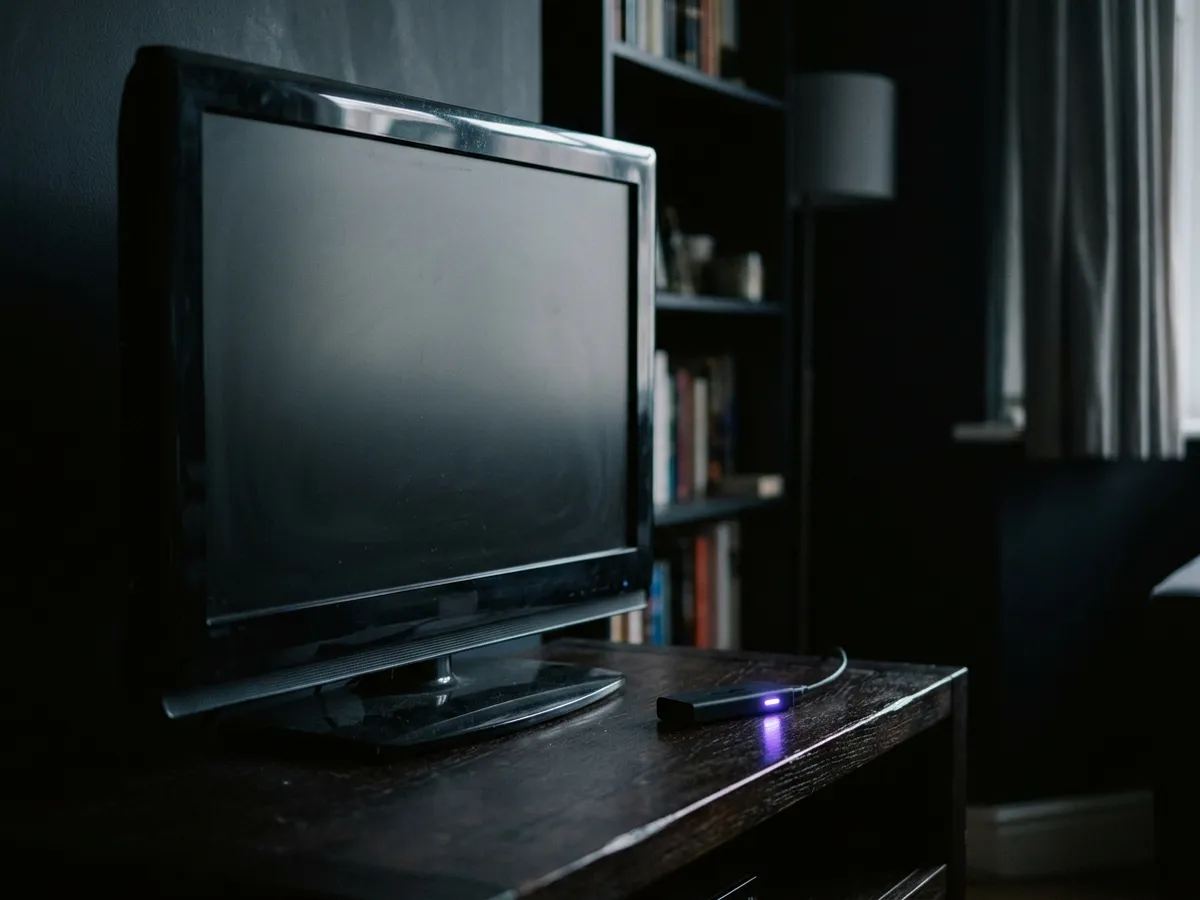
Smart TV vs normal TV is barely a purchase decision any more, since practically every set sold is smart. It is really a question about what to do with the television you already have — and the answer usually favours the box.
| Built-in smart TV | Any TV plus a streaming stick | |
|---|---|---|
| Cost | Included in the set | Around £30–£60 once |
| Speed | Slows noticeably with age | Fast, and cheap to replace when it slows |
| App support | Ends when the maker stops updating | Updated far longer, independently of the TV |
| App range | Whatever that platform’s store carries | Generally wider |
| Remotes | One | Two, unless HDMI-CEC hands control over |
| Recording | None | None — see recorders |
The sensible approach is to use the television’s own software until it starts to annoy you, then add a stick and stop using it. There is no need to decide in advance, and no benefit to buying a stick for a set that is still quick.
A "smart TV box" is the same idea in a slightly larger package — an Android or Google TV box rather than a stick, usually with an ethernet port and more storage. For most households a stick does the identical job for less money and less clutter.
The rest of the jargon on the box
On a smart TV spec sheet, "smart" is only one word among many, and the others describe the picture rather than the software. None of them make a television smarter, and knowing which ones matter saves a lot of money in a shop.
| Term | What it means | Does it matter? |
|---|---|---|
| 4K / UHD | Four times the pixels of Full HD. | Standard now. Hard to buy anything else above 40 inches. |
| HDR10 | Basic high dynamic range — brighter highlights, deeper shadows. | Yes. It changes the picture more than resolution does. |
| HDR10+ / Dolby Vision | HDR adjusted scene by scene rather than once. | Worth having, but only on a set bright enough to use it. |
| OLED | Every pixel makes its own light, so black is genuinely black. | The best picture, at a price. Superb in a dark room. |
| QLED / LED | A backlight behind an LCD panel. | Brighter for a sunny room, less convincing blacks. |
| 120 Hz | The panel refreshes 120 times a second. | Only for gaming. No British broadcast exceeds 50 Hz. |
| HDMI 2.1 | Higher-bandwidth ports. | Matters for a PS5 or Xbox. Irrelevant for streaming. |
| Dolby Atmos | Object-based surround sound. | Real, but flat TV speakers rarely do it justice. |
The specification most often oversold
The one worth being sceptical about is refresh rate. British broadcast television runs at 25 or 50 frames a second and streaming services top out around 60, so a 120 Hz panel has nothing extra to show unless a console is plugged into it. It is the specification most often used to justify a higher price for no benefit to the way most households watch.
The one that genuinely changes what you see is HDR — but only paired with a panel bright enough to deliver it. A budget set that lists HDR support will accept the signal and then fail to produce the contrast it exists for, which is why the same film looks flat on a cheap 4K HDR television and remarkable on a good one.

Setting one up properly
Five minutes when a new smart TV arrives saves a great deal of irritation later, and almost nobody does any of it. This is the order we use on every set we test.
Worth doing on the day the television arrives:
Wire it in if the router is close enough
Ethernet beats Wi-Fi for consistency, and streaming problems are far more often the connection than the set. If a cable is impractical, put it on the 5 GHz band rather than 2.4 GHz.
Run the tuner scan with the aerial connected
Do this before anything else, so the live channels are in the guide from the start. If channels are missing or duplicated later, a full retune rather than a manual add is almost always the fix.
Turn off the picture processing you did not ask for
Motion smoothing is on by default on most sets and is what makes films look like daytime television. Switch it off, along with dynamic contrast, then pick the Filmmaker or Cinema preset.
Go through the privacy settings
Decline the viewing-information and personalised-advertising options. This is the content recognition described above, and refusing it costs you nothing in functionality.
Sign in to the apps you actually use
Then remove or hide the rest, so the home screen is not three rows of things you will never open. Most platforms let you reorder the app row, which is worth two minutes.
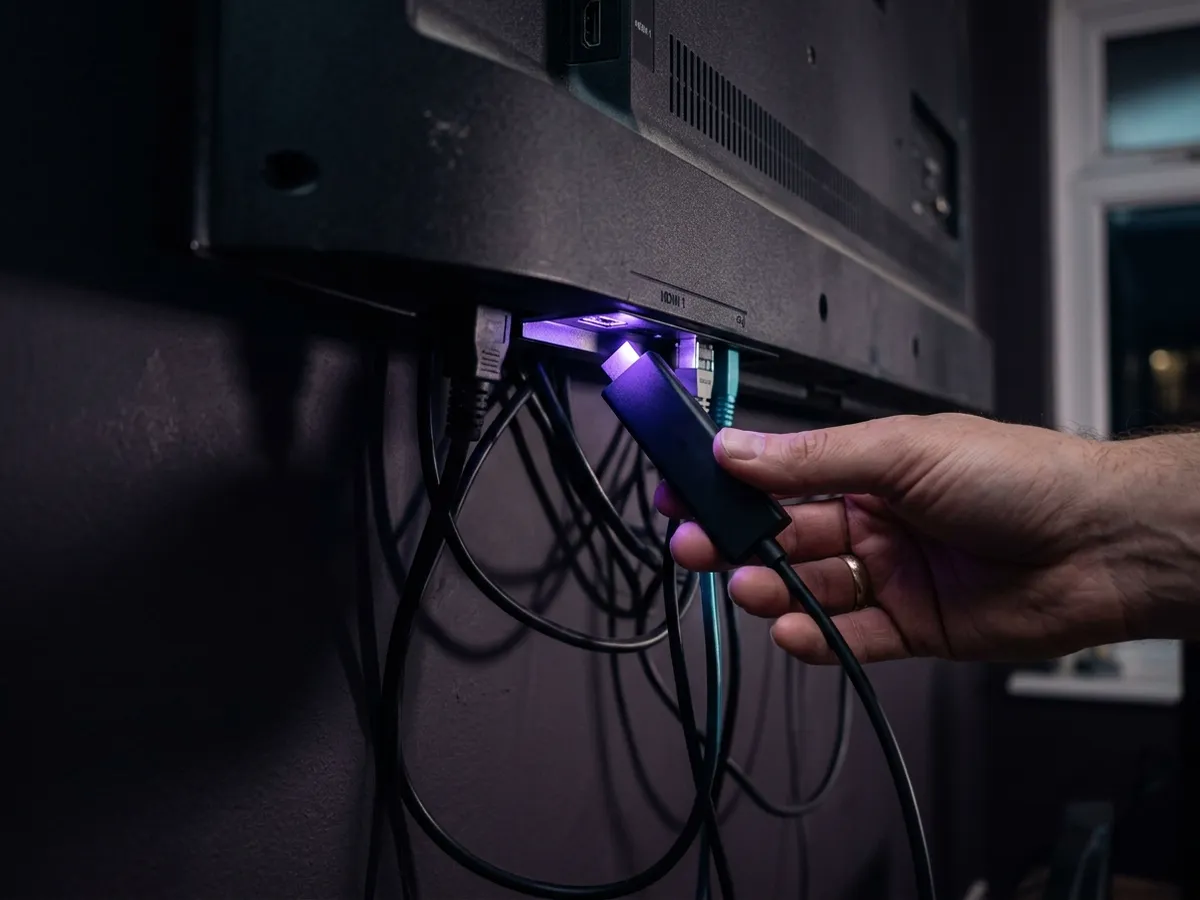
If the set is already a few years old and feels slow, a full power cycle at the mains for a minute clears a surprising amount — the same first move as clearing the cache on a Firestick. Beyond that, the honest options are a streaming stick or accepting it.
And whatever the television runs, the channels are a separate question from the screen. What live television costs is set out in full on our price list and in our survey of what every streaming service charges.
Frequently asked questions
What is a smart TV in simple terms?
A television with an operating system, an internet connection and apps built in. That lets it play Netflix, iPlayer, ITVX and the rest directly, with nothing plugged into the back. It is not a claim about picture quality or resolution — only about the software inside.
Do I need an aerial for a smart TV?
For apps, no — they arrive over your broadband and work with the aerial unplugged. For live Freeview channels, yes, because those come down the aerial into the tuner. The exception is a set supporting Freely, which delivers live British channels over broadband instead.
Do I need internet for a smart TV?
Only for the smart half. Without a connection the apps will not work, but the set still functions as an ordinary television for anything coming down the aerial or through the HDMI ports. Ethernet is more reliable than Wi-Fi if the router is close enough.
Do you need a TV Licence for a smart TV?
You need one if you watch live television — on any channel, through any app or the aerial — or if you use BBC iPlayer at all, including catch-up. Owning the television is not the trigger. A household watching only Netflix and other on-demand services needs no licence.
What is the difference between a smart TV and a normal TV?
A normal television displays whatever is fed into it from an aerial or an HDMI port. A smart TV adds an operating system, a network connection and apps, so it can play streaming services on its own. Practically every set sold today is smart.
Why do apps stop working on older smart TVs?
Manufacturers stop issuing software updates after a few years while app makers keep raising their minimum requirements, so eventually the app will no longer run on that platform version. Nothing is broken — the television has been left behind. A streaming stick restores everything for about £40.
What is a smart TV box?
The same idea in a separate unit — an Android or Google TV box that plugs into any television and supplies the apps. It usually adds an ethernet port and more storage than a stick. For most households a stick does the same job for less money.
What is a smart TV box, and do I need one?
A smart TV box is the same idea in a separate unit — an Android or Google TV box that plugs into any television and supplies the apps. You need one only if your set has no apps, or its apps have stopped being updated. For most households a £40 streaming stick does the identical job for less money and less clutter.
How long does a smart TV stay supported?
Roughly four to seven years of software updates, against a panel that will physically last a decade or more. That gap is the single most useful thing to know about what is a smart TV worth long term: the screen outlives the computer attached to it, and a streaming stick restores the software half for about £40.
Does my smart TV track what I watch?
Most do, through automatic content recognition, which samples what is on screen and reports it back for advertising — including from the HDMI ports. It is on by default on most platforms. You can usually disable it under viewing information or personalised advertising, and nothing stops working when you do.
This page is part of our Devices hub.
See all devices guides