Devices
Freely TV Boxes: Adding Freely to a Television You Already Own
Freely is built into most televisions sold in the UK from 2024 onwards. If yours is older, a Freely box adds it over HDMI for a one-off payment and no subscription of any kind. It is the cheapest way to get live British channels into a property with no aerial — and there are now two genuinely different options.
The short answer
- A one-off purchase. No subscription, no contract, no account fee.
- Live UK channels over broadband — no aerial socket required.
- Humax is the fuller box; Netgem/Pleio is the cheaper, simpler one.
- Cannot be added to a Fire TV Stick or Roku — it must be a Freely device.
The single most common disappointment we hear about Freely is that it cannot be installed on hardware people already own. There is no Freely download of any kind — it has to arrive built into a television or a box like this one, which rules out a Fire TV Stick, a Roku or an older smart set. Either the device ships with Freely or it does not.
A Freely box is the answer to that. It is a small streaming box that plugs into an HDMI port and provides the full Freely experience — the live channel list, the backwards-scrolling guide, the integrated catch-up — on a television that never shipped with it.
Two makers matter in Britain, and they are aimed at different buyers. This guide covers both, what the boxes actually deliver, how to set one up and where the limitations sit.
What is a Freely TV box?
A small streaming box that plugs into an HDMI port and delivers the Freely platform — live British channels, the backwards-scrolling guide and integrated catch-up — over broadband rather than an aerial. It is a one-off purchase with no subscription, and the way to add Freely to a television that never shipped with it.
A Freely TV box — sold interchangeably as a Freely streaming box — delivers the Freely platform over your broadband connection to any television with a spare HDMI port. No aerial, no dish, no subscription. It is the way to add Freely to a set that does not already have it built in, which in practice means anything bought before 2024; if yours is newer, what a smart TV already includes covers how to check whether you need a box at all.
At a glance
- What it costs
- One-off, roughly £50–£110 depending on model
- Ongoing cost
- None
- Aerial needed
- No
- Connection
- Broadband — Wi-Fi or Ethernet
- Channels
- The public service line-up plus free streaming channels
- Guide
- Backwards-scrolling, roughly seven days
- Recording
- None
- TV Licence
- Required for live viewing
The economics of a Freely streaming box are unusually straightforward for this market. You pay once for the hardware and then nothing, ever. Over five years that is cheaper than two months of most pay-TV packages.
Which Freely box should you buy: Humax or Netgem?
Two manufacturers make a Freely box UK buyers can actually get hold of, and the retail names are inconsistent enough to be worth stating plainly. The Humax Freely streaming box is the fuller, dearer one; the Netgem-built box, sold under the Pleio name, is the cheap one. Everything else on the shelf is either the same Netgem hardware rebadged or a device that does not carry Freely at all.
Humax Freely TV Streaming Box
- 4K output with HDR support.
- Ethernet port built in, which matters more than it sounds.
- Broader app selection alongside Freely.
- More responsive interface and faster channel changes.
- Better remote, with television volume and standby control.
Netgem / Pleio Freely TV Box
- Does the core Freely job perfectly well.
- Smaller, simpler, less to go wrong.
- Wi-Fi only on most variants.
- Fewer additional apps beyond the Freely platform.
- The right answer if you only want live British channels.
Which to buy
| If… | Buy | Because |
|---|---|---|
| You have a 4K television | Humax | The cheaper box will not output 4K. |
| You can run an Ethernet cable | Humax | Wired is dramatically more stable, and only Humax has the port. |
| You only want live UK channels | Netgem/Pleio | It does that job for half the money. |
| It is for a bedroom or kitchen TV | Netgem/Pleio | Small screen, modest requirements, lower cost. |
| You also want Netflix and Disney+ | Humax | Broader app selection, though a Fire TV Stick is cheaper for apps alone. |
| Budget is the deciding factor | Netgem/Pleio | The core experience is the same platform. |
Whichever you choose, the Freely TV box channels are identical — the platform is the same on both, so the cheaper box does not carry a reduced line-up. What you pay more for is 4K output, an ethernet port and a faster interface, not access to more television.
What channels does a Freely box get?
The experience is identical to Freely built into a television, which is the point. Freely TV box channels are the free-to-air British line-up — the same roughly 100 live channels the platform carries everywhere, delivered over broadband rather than an aerial.
- The full public service line-up — BBC One, Two, Three, Four, News, Parliament, CBBC, CBeebies; ITV1 through ITVBe; Channel 4, E4, More4, Film4, 4seven; Channel 5 and its sister channels.
- Free streaming channels — a rotating selection including news and entertainment services that exist only over IP.
- Integrated catch-up — iPlayer, ITVX, Channel 4 and My5, reachable from the guide rather than as separate apps.
- The backwards guide — scroll left past "now" into programmes already aired and press play.
- Mini guide — a small overlay for channel surfing without leaving what you are watching.
The backwards-scrolling guide remains the standout feature and the thing most likely to persuade a sceptical household. Not having to know that Tuesday’s drama lives in iPlayer rather than ITVX genuinely changes how people use a television.
How do you set up a Freely box?
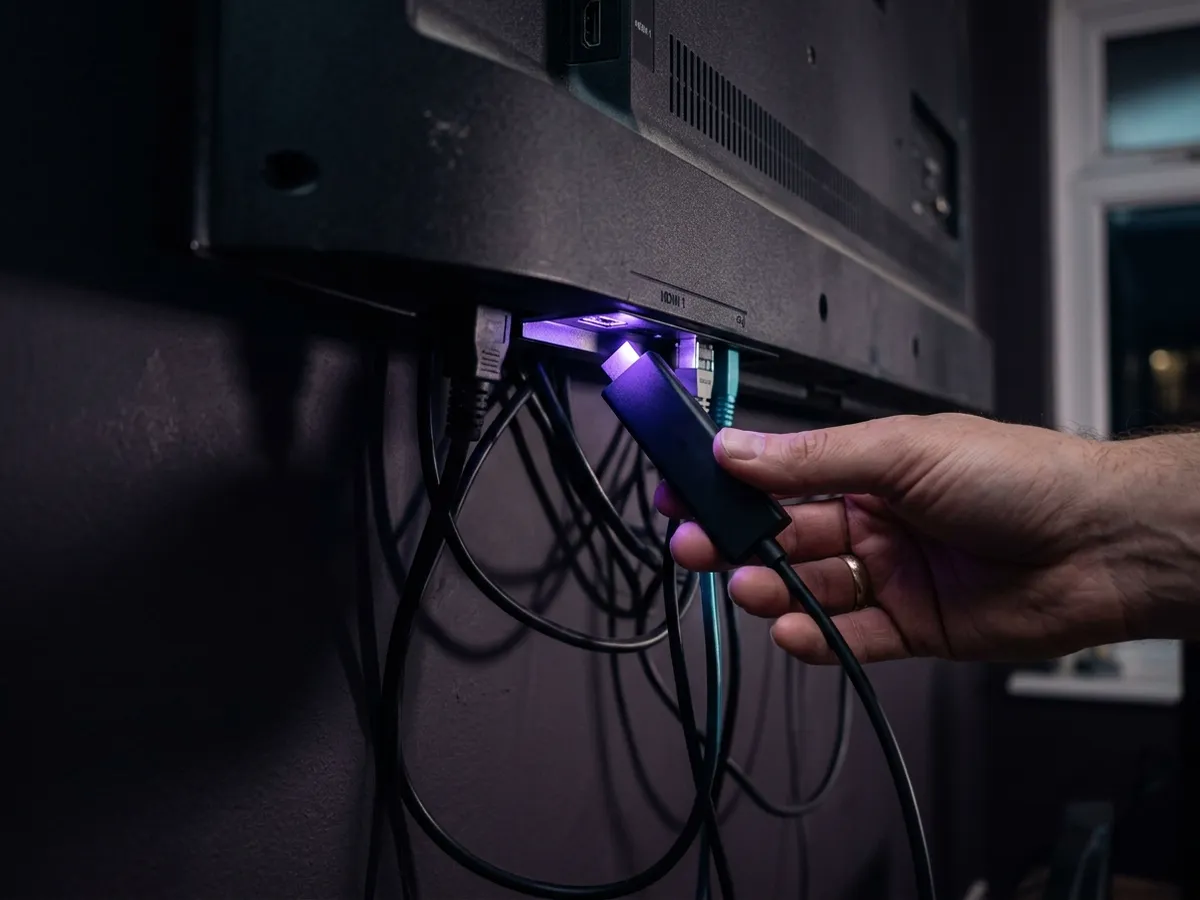
Four steps. Plug it into an HDMI 2.0 port, power it from the mains adapter rather than the television’s USB port, connect by Ethernet or the 5 GHz Wi-Fi band, then set your postcode — that last one decides which regional BBC and ITV variants you receive, and getting it wrong is the commonest setup complaint.
Ten minutes, and no engineer.
Plug into an HDMI port
Use an HDMI 2.0 or later port if the box supports 4K and your television has a mix. Older ports silently negotiate down.
Power from the mains
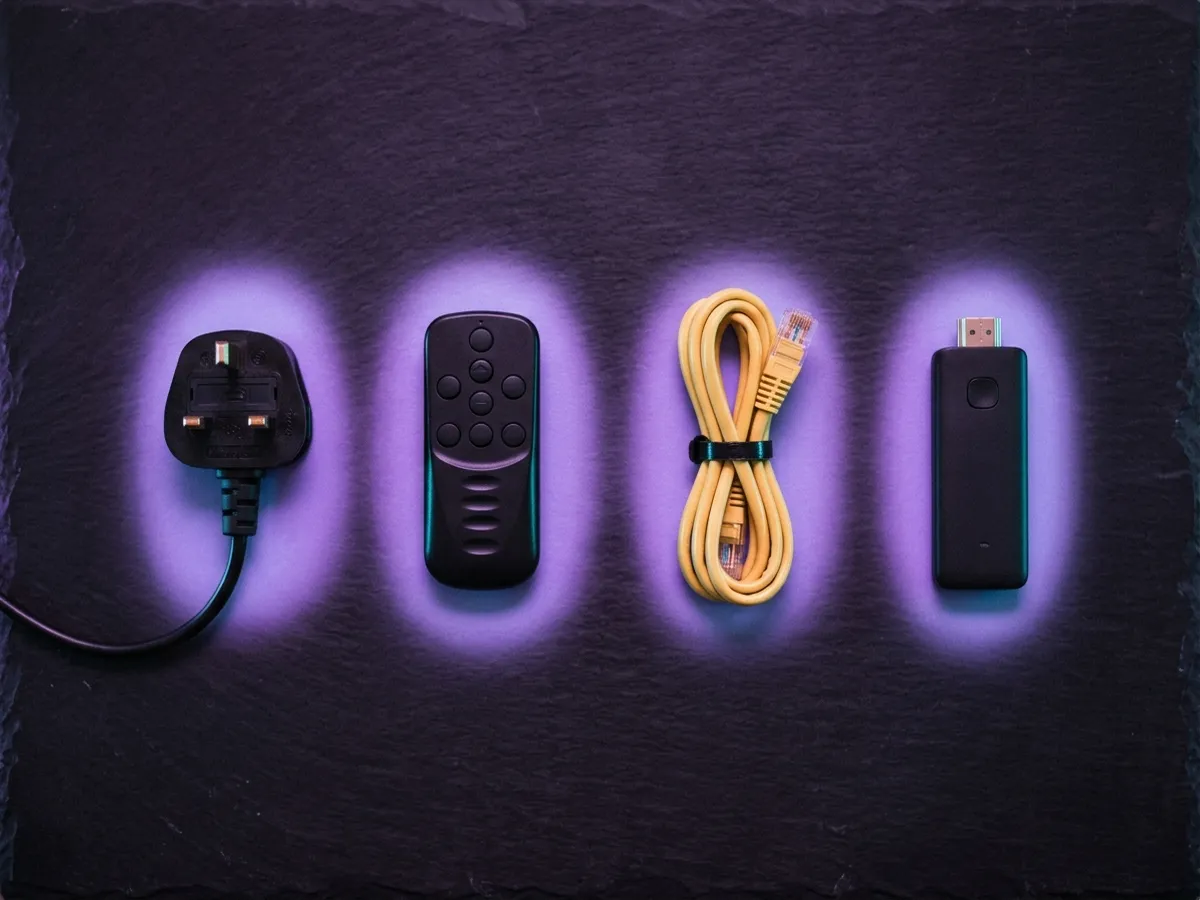
Plug the box’s adapter into the wall rather than using a USB socket on the television, which often cannot keep it properly powered.
Connect to the network
Ethernet if the box has a port and you can reach it. Otherwise join the 5 GHz Wi-Fi band explicitly rather than 2.4 GHz.
Set your postcode
It is what picks your regional BBC and ITV feeds, and the wrong one means the wrong local news. An incorrect postcode shows you another region’s local news — easily the most frequent setup niggle.
Plug in an aerial if one exists
Optional. Where a box supports hybrid operation, an aerial adds channels and gives you a fallback when broadband fails.
Sign in to the catch-up services
Set up all four catch-up logins now: a BBC account for iPlayer, which also asks you to confirm a TV Licence, and free accounts for ITVX, Channel 4 and My5. The backwards guide will not play anything from a service you have not signed into.
Enable HDMI-CEC on the television
Called Anynet+, Bravia Sync, Simplink or Viera Link depending on the brand. It lets the box remote control volume and standby, which is the difference between one remote and two.
Skipping the sign-ins is behind nearly every complaint that the scroll-back guide is broken. It is not — it simply has nothing it is allowed to play.
How much broadband it needs
Around 8 to 10 Mbps is plenty, which is a fraction of what the 4K subscription services ask for and within reach of rural and older lines. What matters more is that the connection holds steady through the evening rather than how fast it is at its best.
Very little, which is one of the genuine advantages of Freely over the 4K subscription platforms.
~8
Mbps per stream
Comfortable on almost any UK line.
~15
Mbps recommended
Headroom for other household use.
~3
GB per hour
At standard Freely quality.
1–2s
Channel change
Slower than an aerial, faster than most apps.
Compare that with the 30 Mbps per stream a Sky Stream puck wants for 4K and the difference is stark. Freely works acceptably on connections that would struggle badly with a paid 4K service, which makes it a genuine option for rural and older lines.
Stability still matters more than raw speed, for the reasons set out in our guide to the seven stages of an IPTV stream. But the bar is low enough that most British households will clear it without thinking about it.
Is a Freely box better than Freeview or a Firestick?
It depends on your aerial. No aerial and keeping your television — a Freely box, and there is no free alternative. Working aerial — your set almost certainly already has Freeview Play, which carries more channels, and the two platforms compared covers the rest. Mainly want Netflix and Disney+ — a Fire TV Stick does that better and cheaper.
| Freely box | Freeview Play box | Fire TV Stick | New Freely TV | |
|---|---|---|---|---|
| Cost | £50–£110 one-off | £40–£250 one-off | £40 one-off | £250+ |
| Needs an aerial | No | Yes | No | No |
| Live UK channels | Yes, over broadband | Yes, via aerial | Catch-up apps only | Yes |
| Recording | No | Yes, on recorders | No | No |
| Netflix, Disney+ etc. | Some models | Some models | All | Most |
| Backwards guide | Yes | Yes, less integrated | No | Yes |
| Best for | No aerial, keep your TV | Have an aerial | Apps and value | Replacing the set anyway |
The decision usually resolves quickly. No aerial and keeping your television? A Freely box. Working aerial? You probably already have Freeview Play built in — check before buying anything. Mainly want streaming apps? A Fire TV Stick, and it is cheaper.
The one combination worth calling out: a Freely box and a Fire TV Stick, on two HDMI inputs, is around £100 total and covers live British channels plus every streaming app, with no monthly cost at all beyond whatever subscriptions you choose. For a lot of households that is the whole answer.

What are the limitations of a Freely box?
None that should stop a purchase, but six worth knowing: it cannot record, it carries fewer channels than an aerial, it goes dark when the broadband does, it has no paid channels, its catch-up has gaps, and it adds a remote unless your television passes control through.
- No recording. No hard disk and no cloud equivalent. You rely on catch-up, which for the public service channels is comprehensive but not total.
- Fewer channels than a full aerial. A broadband-only Freely line-up does not include all the smaller Freeview channels.
- Broadband dependent. With no aerial sitting behind it, a dropped line means no television rather than degraded television.
- No premium content. By design. This is free-to-air British television.
- Catch-up gaps. Reach back past the point where a rights deal lapsed and there is simply nothing to play.
- Another box and another remote, unless HDMI-CEC is configured properly.
None of these is a serious objection to a one-off purchase with no running cost. They are reasons to keep an aerial connected as well, if the property has one — it costs nothing and covers the outage case entirely.
Two of them are worth planning around rather than accepting. If keeping programmes matters, no Freely box records anything and no update will change that — a Freeview or Freesat recorder is the only route to a hard disk you own. And if the property has poor broadband but a working dish, Freesat, the dish-based free option delivers a larger free channel list with no internet involved at all.
One thing a Freely box does not change is the licensing position. It carries live broadcast television, so a household using one needs a TV Licence exactly as it would with an aerial — the delivery method is irrelevant to the rule, as our TV Licence guide sets out.
What are the most common Freely box problems?
Three turn up again and again, and all of them are settings rather than faults: local news from the wrong region, a backwards guide that refuses to play, and channels that disappear after the line-up changes. Each takes a minute to put right, as the table below shows.
| Problem | Cause | Fix |
|---|---|---|
| Wrong regional news | Postcode set incorrectly | Change it in settings and rescan channels. |
| Backwards guide plays nothing | Not signed in to that catch-up service | Each catch-up service needs its own sign-in — iPlayer, ITVX, Channel 4 and My5 separately. |
| Channels missing after a few months | Line-up updated, local list stale | Run a channel scan again. Everyone TV adds channels regularly. |
| Box remote will not control TV volume | HDMI-CEC disabled | Enable it on the television — Anynet+, Bravia Sync, Simplink or Viera Link. |
| Picture soft or buffering | Wi-Fi rather than the line | Move to 5 GHz or wire it. Around 8 Mbps is enough for Freely; consistency matters far more than the headline figure. |
| Box reboots randomly | Powered from a TV USB port | Power it from the wall using the adapter that came in the box. |
Who should buy one, and who should not
Anyone in a flat or rental without an aerial socket — there is no other free way to get live British channels there. If a working aerial exists, hold off: the set is very likely to have Freeview Play built in, which gives you a longer channel list for nothing.
The decision usually resolves in about thirty seconds once you know which situation you are in.
| Situation | Verdict | Why |
|---|---|---|
| Flat or rental with no aerial socket | Buy one | This is exactly what Freely was created for, and there is no free alternative. |
| Aerial exists and works | Check first | Your television almost certainly already has Freeview Play, which carries more channels. |
| Buying a new television anyway | Do not buy a box | Most sets from 2024 onwards have Freely built in. Look for the logo. |
| Mainly want Netflix and Disney+ | Buy a stick instead | A Fire TV Stick does apps better for less. |
| Want to record programmes | Buy a Freeview Play recorder | Freely has no recording at all. Recorders have real hard disks. |
| Elderly relative, wants simple telly | Buy one | The backwards guide removes the need to understand catch-up apps entirely. |
| Broadband under about 10 Mbps | Reconsider | Freely is undemanding, but it still needs a steady connection. |
The case we make most often
The sixth row deserves expanding, because it is the recommendation we give most frequently and the one people least expect.
For someone who finds modern television confusing — and that is a great many people — Freely is materially better than a streaming stick. The reason is the backwards-scrolling guide. On a Fire TV Stick, watching last night’s drama means knowing it was on BBC Two, knowing that means iPlayer, finding iPlayer among a screen of tiles, then searching within it. On Freely you scroll left in the guide to where the programme was and press play.
That is one gesture instead of four, and it maps onto how people who grew up with broadcast television already think about a schedule. We have watched this land with relatives who had given up on catch-up entirely.
Is a Freely box worth it? Our verdict
Our verdict
Freely TV boxes
The cheapest legitimate way to get live British television into a home with no aerial, and a genuinely good product rather than a compromise. A one-off payment with no ongoing cost is close to unheard of in this market. The Humax is worth the extra if your television is 4K or you can wire it; the Netgem does the core job for half the money.
What works
- One-off cost, then nothing — ever.
- Live UK channels with no aerial and no subscription.
- The best programme guide in free British television.
- Undemanding on bandwidth, unlike 4K subscription services.
- Works on any television with a spare HDMI port.
What doesn’t
- No recording of any kind.
- Fewer channels than a full aerial line-up.
- No premium sport or drama, by design.
- Another box and another remote to manage.
- Cannot be added to a Fire TV Stick or Roku.
Best for: Flats and rented properties with no aerial, and anyone keeping an older television. Pair with a rolling monthly Sky’s contract-free NOW service Membership if you want sport.
Frequently asked questions
What is a Freely TV box?
A small streaming box that plugs into an HDMI port and adds the Freely platform — live British channels over broadband, with a backwards-scrolling guide — to a television that did not ship with it. It is a one-off purchase with no subscription of any kind.
Is a Freely box good for an elderly relative?
It is one of the strongest recommendations we make. The backwards-scrolling guide removes the need to understand catch-up apps entirely — you scroll left in the schedule to where a programme was and press play, rather than working out which of four apps holds it. That maps onto how anyone who grew up with broadcast television already thinks, and it lands well where streaming sticks do not.
Which is better, the Humax Freely streaming box or the cheaper one?
The Humax Freely streaming box if your television is 4K or you can run an ethernet cable — it is the only one with a 4K output and a wired port. The Netgem-built Pleio Freely TV box does the core job for roughly half the money, and on a bedroom or kitchen set that is the sensible buy. Both run the identical Freely platform.
Can I buy a Freely box UK-wide, and where from?
Yes — both models are sold through the usual British electrical retailers and online. Freely is a UK-only platform, so a box bought abroad will not work here, and there is no import route worth pursuing. Prices move a fair amount between retailers, so it is worth checking two or three.
How much does a Freely box cost?
Roughly £50 for the Netgem/Pleio box and around £100 for the Humax, both as one-off purchases. There is no monthly cost, no contract and no account fee. You still need a TV Licence to watch live television, as with any platform.
Which Freely box is best?
The Humax if your television is 4K or you can run an Ethernet cable to it — it outputs 4K, has a wired port and a broader app selection. The Netgem/Pleio box at around half the price does the core Freely job perfectly well and is the sensible choice for a bedroom or a 1080p set.
Do I need an aerial for a Freely box?
No. Freely delivers live channels over broadband, which is the whole reason it exists. If the property does have a working aerial, connecting it as well adds channels and gives you a fallback for when broadband goes down.
Can I get Freely on a Fire TV Stick instead of buying a box?
Not on a stick — only on a television. Sets running Fire TV OS, Amazon’s own included, now ship with Freely, but the plug-in Fire TV Sticks are excluded. For a television without it built in, this box is how you add it.
Can you record with a Freely box?
No — the box has no storage and Freely offers no cloud equivalent. In practice the backwards guide covers most of what a recorder would, as long as the programme is still on catch-up. For genuine recordings you need a Freeview Play recorder, which in turn needs an aerial.
How much broadband does a Freely box need?
Around 8 Mbps per stream, so 15 Mbps gives comfortable headroom. That is far less demanding than a 4K service like Sky Stream, which wants around 30 Mbps per stream, making Freely a realistic option on older or rural connections.
What channels does a Freely box get?
Every channel from the BBC, ITV, Channel 4 and Channel 5 families, and an expanding list of free streaming-only channels besides. There is no premium sport or drama; Freely carries free-to-air British television only.
This page is part of our Devices hub.
See all devices guides