Services
Freely TV Explained: Live Channels With No Aerial, For Free
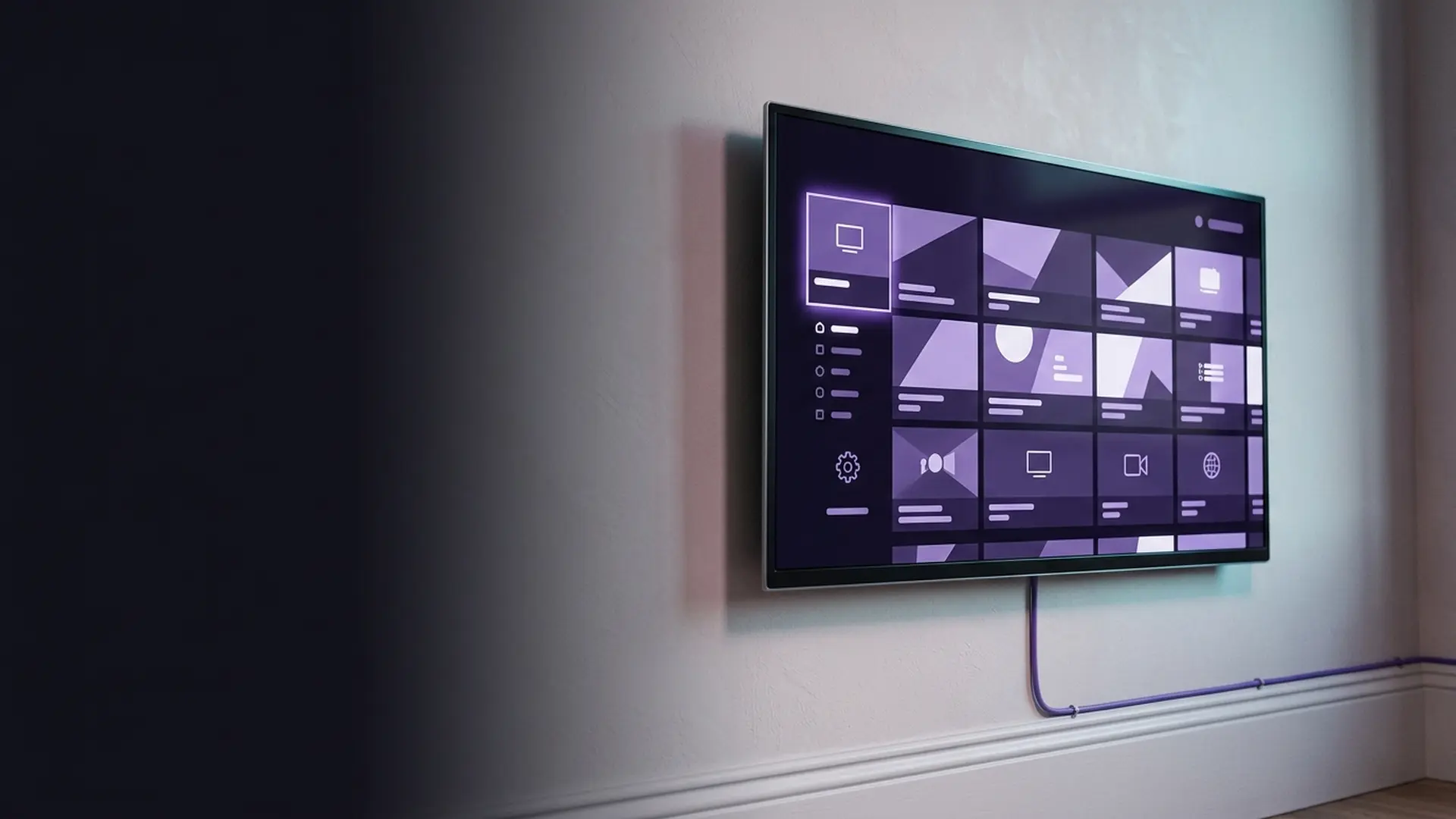
Freely is the most significant thing to happen to free British television since Freeview launched in 2002. It carries live channels over your broadband with no aerial, no dish and no subscription — which means, for the first time, a flat with no aerial socket can still watch BBC One live at the moment it airs.
The short answer
- Live UK channels over broadband, entirely free — no aerial required.
- Built into many new TVs from Hisense, TCL, Bush, Toshiba, Panasonic and Sharp — not LG.
- Standalone boxes from Humax and others add it to older televisions.
- You still need a TV Licence to watch live, as with any broadcast.
For twenty years, free television in Britain meant an aerial. Freeview was excellent, but it had a hard prerequisite: a working aerial, correctly aligned, in a property where one could be installed. That excluded a very large number of people — renters, flat-dwellers, anyone whose freeholder said no, anyone in a signal shadow.
Freely is the fix. Launched in April 2024 by Everyone TV — the joint venture behind Freeview and Freesat, owned by the BBC, ITV, Channel 4 and Channel 5 — it delivers live linear channels over an ordinary broadband connection. No aerial, no dish, no subscription, no contract.
It has been on our test bench since launch, first on a Hisense set and latterly on a Humax box attached to an older Sony. This is what it does well, and where it still has gaps.
What is Freely TV?
Freely is a television platform, not an app you download onto anything. It is built into the operating system of supported televisions, or supplied on a dedicated streaming box. When you turn on a Freely TV, Freely *is* the television experience — the guide, the channel list, the on-demand.
At a glance
- Launched
- April 2024
- Operated by
- Everyone TV (BBC, ITV, Channel 4, Channel 5)
- Cost
- Free — no subscription of any kind
- Aerial needed
- No
- Delivery
- Broadband, plus aerial on hybrid sets
- TV Licence
- Required for live viewing
- Contract
- None
- Recommended speed
- ~10 Mbps per stream
The crucial architectural point is that Freely is hybrid where it can be. On a television that also has an aerial connected, it will use the aerial for channels available that way and broadband for everything else, silently choosing whichever gives the better result. Without an aerial it simply uses broadband for everything. You are not asked to think about it.
What is the Freely TV guide like?
The best in free British television, because it runs in both directions. Scroll back from the current time and last night’s programmes are still sitting in the grid where they aired, ready to play from catch-up with one press — you never need to know which app holds them.
Freely’s programme guide is the feature that justifies the whole project, and it is genuinely better than anything else in free British television.
It looks like a conventional grid, but it scrolls backwards. Move left past "now" and you continue into programmes that have already aired — and selecting one plays it immediately from the relevant catch-up service. The distinction between live television and on-demand simply dissolves. You do not need to know that last night’s drama lives in iPlayer; you scroll back to where it was on the schedule and press play.
It is the first UK guide where "I missed it" and "I can watch it" are the same gesture.
Anyone who has watched an older relative hunt through four separate catch-up apps for a programme they know was on BBC Two on Tuesday will understand why this matters more than any spec sheet item.
The mini guide and channel surfing
Pressing up or down while watching brings a small overlay showing the next channel’s content without leaving what you are on — proper channel surfing, preserved from broadcast television. It sounds trivial. On a streaming platform it is unusual, and it is a big part of why Freely feels like telly rather than like an app.
What channels does Freely have?
The core proposition is the public service broadcasters plus a growing set of free streaming channels. The exact line-up varies slightly by device and has expanded steadily since launch.
| Group | Channels |
|---|---|
| BBC | BBC One, BBC Two, BBC Three, BBC Four, BBC News, BBC Parliament, CBBC, CBeebies |
| ITV | ITV1, ITV2, ITV3, ITV4, ITVBe |
| Channel 4 | Channel 4, E4, More4, Film4, 4seven |
| Channel 5 | Channel 5, 5USA, 5STAR, 5ACTION |
| Others | Sky News, GB News, Talk, plus a rotating set of free streaming channels |
| On demand | BBC iPlayer, ITVX, Channel 4, My5, and more |
It is worth being realistic about the gap between Freely’s broadband channel count and a full Freeview line-up. A hybrid set with an aerial gets both. A broadband-only setup gets fewer channels than an aerial would deliver — the trade you accept for not needing one.
How to get the Freely TV app and platform
Two routes, and which applies depends entirely on how old your television is. If your set predates it, a Freely box adds it over HDMI for a one-off payment, and what a smart TV already includes helps you check before buying.
A television with Freely built in
Many sets sold in the UK from 2024 onwards include it. Brands shipping Freely include Hisense, TCL, Bush, Toshiba, JVC, Panasonic and Sharp, plus televisions running Amazon’s Fire TV OS. Two big names are missing: LG has said it will not add Freely to webOS, and Samsung does not carry it either — and if you are unsure what your own set runs, how to tell which platform your television uses walks through it. On these it is the native television experience — no setup beyond connecting to Wi-Fi.
If you are buying a new set, look for the Freely logo on the box rather than assuming. Manufacturers ship different platforms in different model years and even within a range.
A Freely streaming box
For a television you are not replacing, a dedicated box adds Freely over HDMI. Humax and Netgem/Pleio both make them, and they are inexpensive one-off purchases with no ongoing cost. They plug in exactly like any streaming stick.
We cover the hardware options and what to look for in our guide to which Freely box to buy.
What is the difference between Freely and Freeview Play?
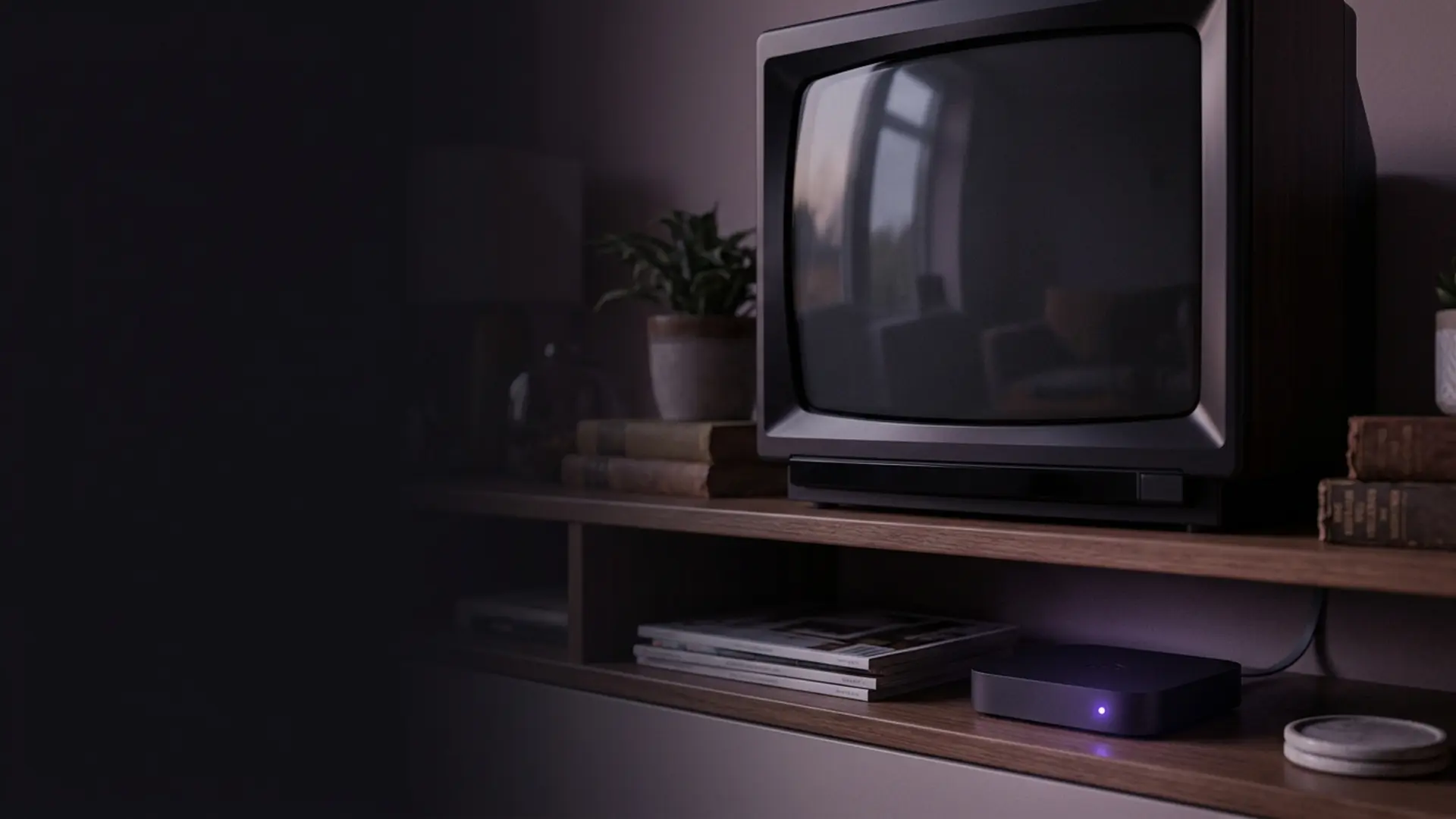
Only the delivery: an aerial for Freeview Play, your broadband for Freely. Everything else follows from that — the aerial version holds more channels and shrugs off internet outages, while Freely works where no aerial can and scrolls back through the week. Freely vs Freeview compares them in full.
Both are free, both come from Everyone TV, and the names are close enough to be genuinely confusing. The difference is straightforward, and our full Freely vs Freeview comparison sets the two side by side on channels, recording and what happens in an outage. Where an aerial exists but reception is poor, Freesat is the third option, and what still records live television covers the one thing none of these three do.
| Freely | Freeview Play | |
|---|---|---|
| Live channels via | Broadband (plus aerial if present) | Aerial only |
| Aerial required | No | Yes |
| Works in a flat with no aerial | Yes | No |
| Keeps working if broadband fails | Only with an aerial | Yes |
| Backwards-scrolling guide | Yes | Scroll-back to catch-up, less integrated |
| Channel count | Growing, fewer than full Freeview | ~70 standard, ~15 HD |
| On device | TVs from 2024 onwards, or a box | Most TVs since 2016 |
| Cost | Free | Free |
The decision is essentially about your aerial. If you have a working aerial, Freeview Play already gives you more channels and survives a broadband outage — and it is probably already in your television. If you do not, Freely is the only free route to live British television, and it is a good one.
The best position, if your set supports it, is both: aerial connected for resilience and channel count, Freely handling the guide and the on-demand integration.
What is Freely like to use?
Light on broadband and easy to live with. A connection of 15 Mbps or more copes without effort, and weaker lines lose a little sharpness rather than stalling. The one thing you notice is channel-hopping, which takes a beat longer than it does off an aerial.
Performance
Undemanding. Freely channels stream at around 5–8 Mbps, so anything above about 15 Mbps handles it comfortably, and it degrades gracefully on weaker connections. Channel changes take a second or two — slower than an aerial’s near-instant switch, which is the one place broadcast still feels better.
~8
Mbps per stream
Comfortable on almost any connection.
1–2s
Channel change
Slower than aerial, faster than most apps.
£0
Monthly cost
TV Licence still applies to live viewing.
7d
Guide scroll-back
Roughly a week into the past.
Where it still falls short
- No recording. There is no hard disk and no cloud equivalent of a Playlist. You rely on catch-up being available, which for the public service channels it usually is.
- Fewer channels than a full aerial on a broadband-only setup. The smaller Freeview channels are not all there.
- Hardware-locked. No app for existing streaming sticks, so adding it to an older television means buying a box.
- Broadband dependent. Without an aerial as backup, an outage means no television at all.
- Occasional catch-up gaps. Scrolling back to a programme whose rights have expired gets you nothing.
None of these is a serious objection to something that costs nothing. They are the reasons to keep an aerial connected as well, if you have one.
How do you set up Freely?
There is genuinely very little to it, which is part of the appeal. The process differs slightly depending on whether Freely is built into your television or arriving on a box.
On a television with Freely built in:
Connect to your network
During first-time setup the television asks for Wi-Fi details. Use 5 GHz if your router offers a separate band, or plug in Ethernet if the set has a port and you can reach it.
Plug in an aerial if you have one
Optional, but do it if a socket exists. The television will run in hybrid mode, taking channels from whichever source is better and giving you a fallback when broadband drops.
Set your postcode or region
This determines which regional BBC and ITV variants you receive. Getting it wrong means watching the wrong local news, which is the most common setup complaint.
Let the channel scan finish
Freely builds its channel list from both sources. It takes a couple of minutes and should not be interrupted.
Sign in to the catch-up services
iPlayer requires a BBC account and a TV Licence declaration. ITVX, Channel 4 and My5 each want a free account. Doing all four now means the backwards-scrolling guide works properly from the start.
That last step is the one people skip, and it is why some users report the scroll-back guide "not working". The guide can only play a past programme if you are signed in to the service that holds it.
What are the most common Freely problems?
Two dominate. Wrong regional news, which means the postcode or region is set incorrectly — change it in settings and rescan, since Freely uses it to pick the BBC and ITV variants. And a scroll-back guide that shows nothing, which means you are not signed in to that catch-up service.
| Problem | Cause | Fix |
|---|---|---|
| Wrong regional news | Postcode or region set incorrectly | Change it in settings and rescan. Freely uses it to pick BBC and ITV variants. |
| Scroll-back guide shows nothing | Not signed in to the catch-up service | Sign in to iPlayer, ITVX, Channel 4 and My5 individually. Each holds its own content. |
| Channels missing after a few months | Line-up updated, list stale | Run a channel scan again. Everyone TV adds channels regularly. |
| Picture soft on live channels | Bandwidth, or a busy Wi-Fi band | Move to 5 GHz or wire the set. Freely needs only ~8 Mbps but it must be steady. |
| Some programmes will not play from the guide | Catch-up rights have expired | Nothing to fix — that content is simply no longer available on demand. |
| Buffering only in the evening | Peak-time congestion on your line | Test speeds at 9pm and again late at night. If it collapses at peak, that is a broadband issue. |
Freely is one of the less troublesome platforms to live with, largely because it asks so little of a connection. Most of what goes wrong is a signed-out account or a stale channel list, and both take a minute to resolve. Most of it is the connection rather than the platform — the streaming fixes hub works through it in order.
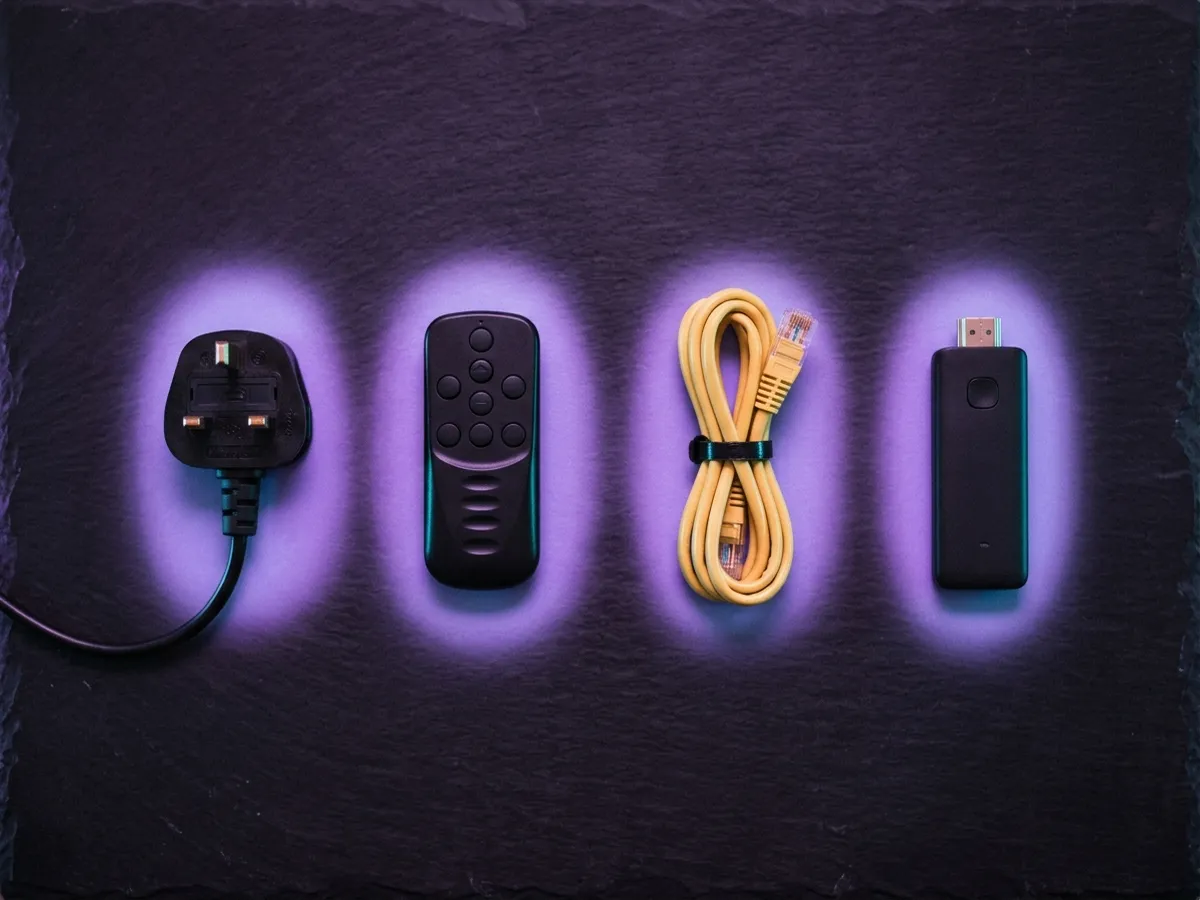
Can you add paid channels to Freely?
Not to the platform itself — Freely carries free-to-air channels only. What you can do is run a paid service alongside it on the same television, through the apps or a separate subscription, so the free channels and the paid ones simply sit on different inputs.
Freely gives you the public service channels over broadband for nothing, and for a great many households that genuinely is enough. What it does not carry is sport or the pay-TV entertainment channels. Two tiers are shown, and either one carries the whole live list: IPTV 4K Ultra in 4K HDR with Dolby Atmos, and IPTV 8K Ultra Max above it. Costed properly, that means either our own plan list or a subscription such as Sky Stream — and what every streaming service charges covers the on-demand side.
IPTV 4K Ultra
From £2.86/moCinema-quality HDR & Dolby
True 4K Ultra HD streaming with HDR10+, Dolby Vision and Dolby Atmos. Watch the Premier League in 4K like you are at the ground.
Starter 4K
3 Months
£34.99−31%
£23.99
£8.00/mo
- 27,000+ channels in 4K
- 192,000+ VOD titles in native 4K
- 4K UHD (3840×2160) HEVC
- Full EPG guide
- 1 screen
- 24/7 UK support
- Anti-freeze technology
Secure payment

Standard 4K
6 Months
£54.99−27%
£39.99
£6.67/mo
- 27,000+ channels in 4K
- 192,000+ VOD titles in 4K HDR
- 4K UHD + HDR10+
- EPG + 3-day replay
- 1 screen
- Priority support 24/7
- Anti-freeze servers
Secure payment
Premium 4K
12 Months
2 months free£74.99−27%
£54.99
£3.93/mo
- 27,000+ channels in 4K UHD
- 192,000+ VOD titles in 4K HDR
- 4K UHD + HDR10+ + Dolby Vision
- EPG + 7-day replay
- 1 screen
- VIP WhatsApp support
- Dolby Atmos 5.1 audio
- Free automatic updates
Secure payment
Ultimate 4K
24 Months
4 months free£89.99−11%
£79.99
£2.86/mo
- 27,000+ channels in 4K UHD
- 192,000+ VOD titles in 4K Ultra HD
- 4K + HDR10+ + Dolby Vision
- EPG + 14-day replay
- 1 screen
- VIP WhatsApp instant support
- Dolby Atmos 7.1 surround
- Early access to 4K content
- Optimised HEVC streaming
Secure payment
IPTV 8K Ultra Max
From £3.93/mo8K HDR + Dolby Atmos — the pinnacle
The most advanced plan on the list. True 8K Ultra HD with Dolby Vision HDR and Dolby Atmos sound, 55,000+ live channels, 220,000+ on-demand films and series, and multi-language subtitles on everything.
Starter 8K
3 Months
£39.99−25%
£29.99
£10.00/mo
- 55,000+ live channels in up to 8K
- 220,000+ films & series on demand
- 8K UHD + Dolby Vision HDR
- Dolby Atmos immersive audio
- Multi-language subtitles
- Full EPG guide
- 1 screen
- 24/7 UK support
Secure payment
Standard 8K
6 Months
£69.99−29%
£49.99
£8.33/mo
- 55,000+ live channels in up to 8K
- 220,000+ films & series on demand
- 8K UHD + Dolby Vision HDR
- Dolby Atmos immersive audio
- Multi-language subtitles
- EPG + 3-day replay
- 1 screen
- Priority UK support 24/7
Secure payment
Premium 8K
12 Months
2 months free£99.99−30%
£69.99
£5.00/mo
- 55,000+ live channels in up to 8K
- 220,000+ films & series in 8K / 4K
- 8K UHD + Dolby Vision HDR
- Dolby Atmos object-based audio
- Multi-language subtitles throughout
- EPG + 7-day replay
- 1 screen
- VIP WhatsApp support 24/7
- Free automatic updates
Secure payment
Ultimate 8K
24 Months
4 months free£124.99−12%
£109.99
£3.93/mo
- 55,000+ live channels in up to 8K
- 220,000+ films & series in 8K / 4K
- 8K UHD + Dolby Vision HDR
- Dolby Atmos 7.1+ surround sound
- Multi-language subtitles throughout
- EPG + 14-day replay
- 1 screen
- VIP WhatsApp instant support
- Early access to new 8K content
- Optimised 8K HEVC / AV1 streaming
Secure payment
These sit alongside Freely rather than replacing it — the same television can run both, and the free platform remains the better route to BBC, ITV and Channel 4 catch-up. Terms and prices are on the pricing page; the Freeview Play comparison covers the other free option.
Is Freely worth it? Our verdict
Our verdict
Freely
The most important free television product launched in Britain in twenty years, and an unusually well-made one. The backwards-scrolling guide is better than anything on a paid platform, and the fact that it costs nothing and needs no aerial makes it the obvious default for a very large number of households. Its limitations are real but entirely reasonable at the price.
What works
- Genuinely free, with no contract or account required.
- Works with no aerial — the whole point.
- The best programme guide in free UK television.
- Built into most new sets; boxes available for older ones.
- Hybrid operation uses an aerial too, where one exists.
What doesn’t
- No recording of any kind.
- Fewer channels than a full aerial line-up.
- Cannot be added to an existing Fire TV Stick or Roku.
- No premium sport or drama — by design.
- Broadband outage means no television without an aerial.
Best for: Anyone in a flat or rented property without an aerial, and anyone buying a new television who wants free channels done properly. Pair it with a rolling monthly NOW Membership if you want sport.
Frequently asked questions
Is there a Freely TV app I can install on my existing telly?
No. Freely is a television platform rather than an app, so there is no Freely TV app for a Fire TV Stick, a Roku or an older smart TV. Either the device ships with Freely or you add a Freely box over HDMI — there is no third route.
Freely vs Freeview — which should I use?
Freely if you have no aerial but decent broadband; Freeview if you have an aerial and want something that keeps working when the internet does not. The Freely vs Freeview decision is really about which cable already reaches the room, not about which platform is better.
What is Freely TV?
A free television platform from Everyone TV — the BBC, ITV, Channel 4 and Channel 5 joint venture — that delivers live British channels over broadband with no aerial, no dish and no subscription. It is built into most televisions sold in the UK from 2024 onwards.
Is Freely really free?
Yes. There is no subscription, no contract and no account fee. You still need a TV Licence to watch live television or use BBC iPlayer, exactly as with any other broadcast platform, but Freely itself costs nothing.
Do I need an aerial for Freely?
No — that is the entire point of it. Freely delivers live channels over broadband. If you do have an aerial connected, it will use it as well in hybrid mode, which adds channels and provides a fallback if broadband fails.
What is the difference between Freely and Freeview?
Freeview delivers live channels through an aerial. Freely delivers them over broadband, so it works in properties with no aerial at all. Freeview Play is the hybrid version of Freeview that adds catch-up over broadband but still needs the aerial for live channels.
Which TVs have Freely?
Many UK sets from 2024 onwards, including models from Hisense, TCL, Bush, Toshiba, JVC, Panasonic and Sharp, and televisions running Fire TV OS. LG is the notable exception — it has ruled Freely out on webOS. Look for the Freely logo on the box, since manufacturers ship different platforms across model years.
Can I get the Freely app on a Fire TV Stick?
Not on a streaming stick of any make or age — Freely cannot be sideloaded onto a Fire TV Stick or a Roku. It is built into Fire TV OS televisions, though, and for any other set a standalone box from Humax or Netgem adds it.
Can you record on Freely?
No. There is no hard disk and no cloud recording equivalent. You rely on catch-up availability instead, which the backwards-scrolling guide makes unusually easy — scroll left past "now" and select the programme to play it from the relevant catch-up service.
Why is Freely showing the wrong regional news?
Your postcode or region is set incorrectly. Freely uses it to choose which BBC and ITV regional variants to serve, and it is the most common setup complaint we see. Correct it in the settings menu and run a channel scan again, after which the right local bulletins should appear.
Does Freely work alongside an aerial?
Yes, and it is the best way to run it. On a television with both an aerial and a broadband connection, Freely operates in hybrid mode — taking channels from whichever source gives the better result, adding the full Freeview line-up, and giving you a fallback if the internet drops.
How much internet speed does Freely need?
Around 8 Mbps per stream, so anything above roughly 15 Mbps is comfortable. It is far less demanding than 4K services like Sky Stream, and degrades gracefully on weaker connections.
This page is part of our Services hub.
See all services guides