Devices
NOW TV Stick and NOW TV Box: Are They Worth Buying?
NOW sells its own streaming hardware — a Smart Stick, and historically a set-top Box. Both work, both are cheap, and both are almost always the wrong thing to buy. This page explains what they do, what has happened to the older Box, and the specific circumstances in which one is genuinely the right choice.
The short answer
- The NOW Smart Stick is a competent but limited streaming device.
- A Fire TV Stick costs similar money and does considerably more.
- Older NOW TV Boxes have lost apps as support has wound down.
- You do not need NOW hardware to watch NOW — it runs on almost anything.
Sky has sold NOW-branded hardware since the original NOW TV Box arrived over a decade ago. The strategy made sense at the time: smart televisions were rare and unreliable, and a cheap box that guaranteed the service worked removed a real barrier to signing up.
That world no longer exists. Every television sold in the last decade has apps, streaming sticks cost £40 and run everything, and NOW itself is available on essentially any device a British household already owns. The hardware is now a convenience purchase rather than a necessity.
This page covers what the current Smart Stick actually is, what has happened to the older Boxes, and — since we are not going to pretend otherwise — why a Fire TV Stick is usually the better buy.
What is the NOW TV Smart Stick?
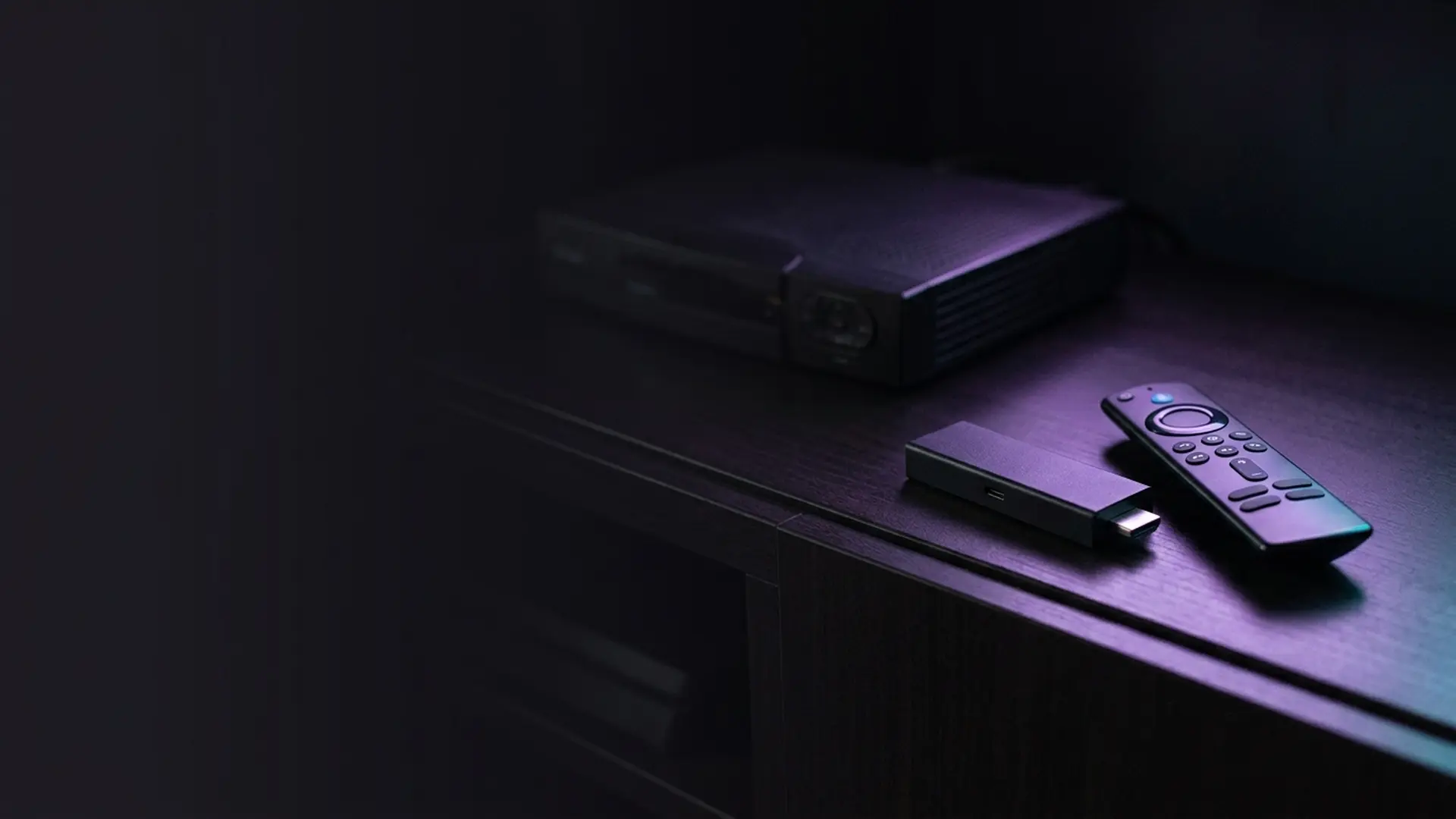
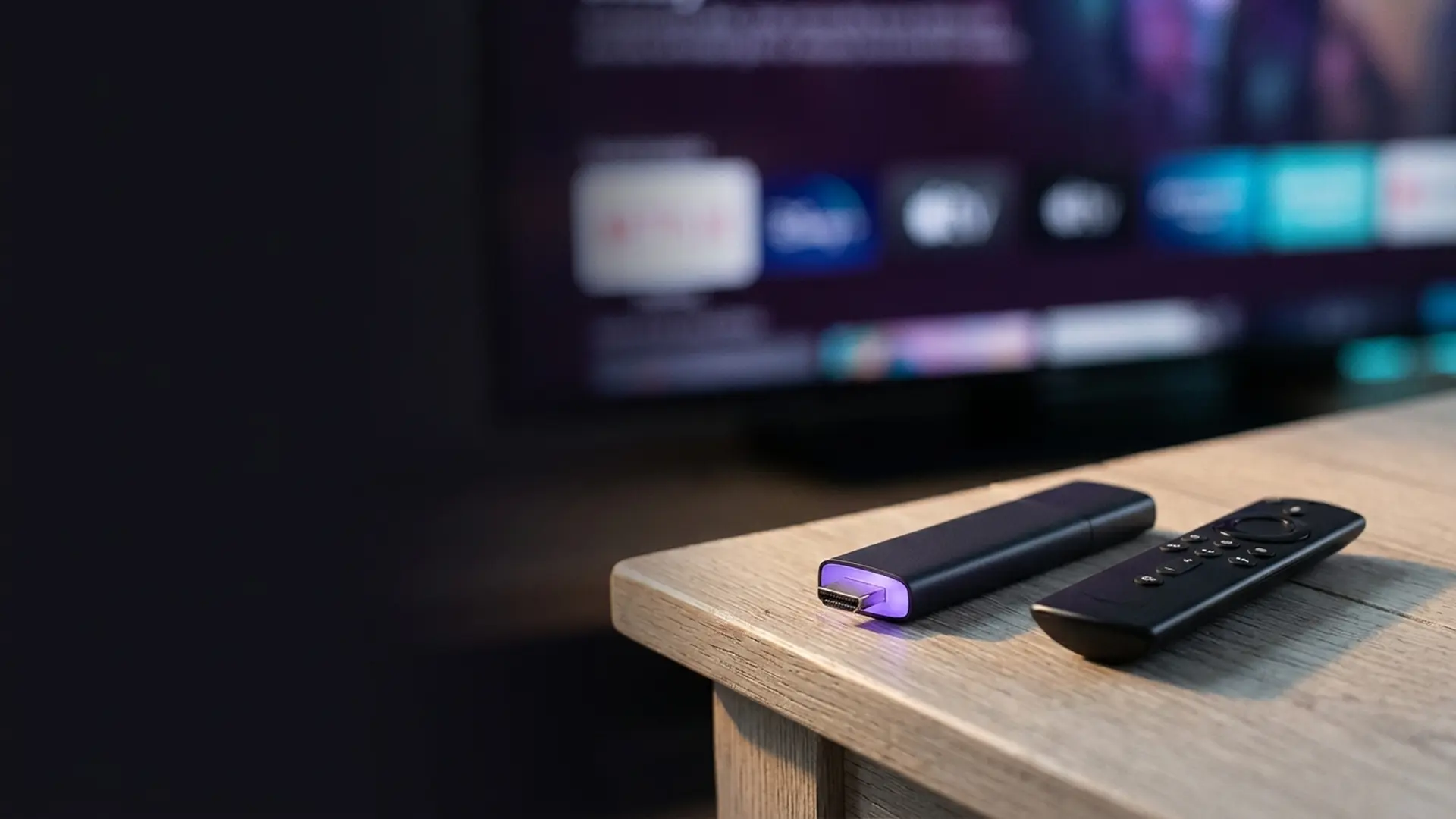
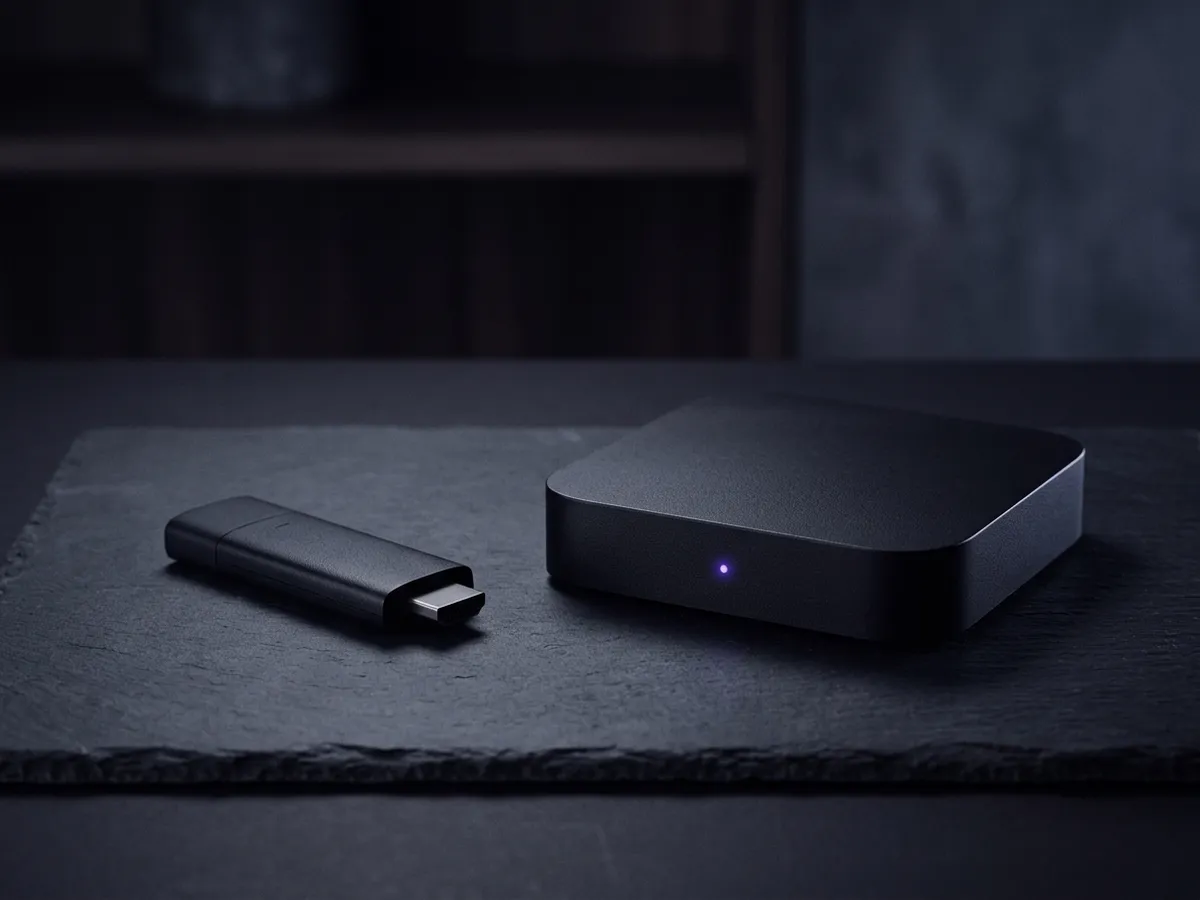
A compact HDMI stick, sold by NOW, sometimes bundled with a Membership. It runs a customised platform with NOW front and centre and a curated selection of other apps alongside.
At a glance
- Type
- HDMI streaming stick
- Max output
- 1080p — no 4K
- Connection
- Wi-Fi only
- Voice control
- On the remote, limited scope
- App selection
- Curated — narrower than Fire TV or Roku
- Typical price
- Around £25–£35, often bundled
- Required for NOW?
- No
It is not a bad device. It boots reasonably quickly, the interface is clean, NOW itself runs well on it, and the remote is straightforward. As a way of getting a NOW Membership onto an old television it does the job.
The problem is not what it does. It is what it does not do, and what similar money buys elsewhere.

Is the NOW TV Stick better than a Firestick?
No, unless someone gives you one. The NOW stick only really does NOW, while a Fire TV Stick at a similar price runs NOW equally well alongside every other major app, with more storage and room for a wired connection. Pay for the Firestick.
| NOW Smart Stick | Fire TV Stick HD | Fire TV Stick 4K Max | |
|---|---|---|---|
| Typical price | ~£25–£35 | ~£40, often £25 in sales | ~£70, often £45 |
| Max resolution | 1080p | 1080p | 4K HDR |
| NOW app | Yes | Yes | Yes |
| BBC iPlayer, ITVX, Channel 4, My5 | Yes | Yes | Yes |
| Netflix, Disney+, Prime Video | Limited selection | All | All |
| App store breadth | Curated, narrow | Very broad | Very broad |
| Ethernet possible | No | With adapter | With adapter |
| Storage | Minimal | 8 GB | 16 GB |
| Voice assistant | Basic | Alexa | Alexa |
Read across and the case is fairly clear. For roughly the same money, a Fire TV Stick HD runs NOW just as well and adds a vastly larger app selection, more storage and the option of a wired connection. For a bit more, the 4K Max adds 4K for everything else you watch.
The full field is covered in our streaming device comparison, including Roku and Apple TV, both of which also run NOW.
What happened to the NOW TV Box?
It was superseded, and then abandoned. The small white and black set-top units sold from the mid-2010s still power on, but app developers stopped supporting the operating system version they run. Apps stopped updating, then stopped working, then left the store. That is not a fault and there is no fix.
A significant number of British homes still have an older NOW TV Box — the small white or black set-top units sold from the mid-2010s onwards, many given away with Memberships. Most have since been superseded by the apps built into the television itself, which smart TV platforms explained covers. They are worth addressing because their situation has changed. If the old box is genuinely dead, which streaming device to buy is worth a look only where recording matters; otherwise NOW’s own trial position is the cheaper place to start.
As the platform aged, app developers stopped supporting the operating system version those boxes run. The pattern is the familiar one for abandoned hardware: apps stop updating, then stop working, then disappear from the store. Several major services are no longer available on the older units at all.
This is not a fault and there is no fix. It is what happens when a platform stops receiving updates, and it affects every abandoned streaming device eventually — as covered in our device guide.
- If NOW still works on yours and that is all you use it for, keep it. There is no reason to spend money.
- If apps have started disappearing, that is support ending. Replace it.
- If it has become slow and unresponsive, try a power cycle first, but do not expect much — these units have very little storage.
- Do not buy one second-hand. You would be buying into a platform already past end of support.

Do you need a NOW TV Stick to watch NOW?
Worth stating clearly, because the bundling implies otherwise. NOW has among the broadest device coverage of any UK service, and the app is identical wherever it runs. That is the whole NOW TV Box vs Firestick argument in a sentence: the app is the product, and the hardware is interchangeable.
- Streaming devices — Fire TV, Roku, Chromecast with Google TV, Apple TV.
- Smart televisions — LG, Samsung, Sony, Hisense, Panasonic and most others from the last several years.
- Games consoles — PlayStation and Xbox.
- Computers — any modern browser on Windows, macOS or Linux.
- Mobile — iOS and Android phones and tablets, with downloads if you have Boost.
If you already own any of these, you already have everything you need. The correct order is to check what is in the house before buying anything at all.
One quality note that applies regardless of hardware: NOW streams at 720p with adverts unless you pay for the Boost add-on, which lifts it to 1080p with 5.1 audio. No device makes that better — it is a service limitation, explained in our NOW review. Buying better hardware to fix a soft picture on NOW will not work.
When the NOW hardware is the right choice
There are genuine cases, and it would be unfair not to name them. Usually when it arrives bundled — what NOW currently offers new customers is where those bundles show up.
| Situation | Verdict |
|---|---|
| It is bundled free with a Membership | Take it. Free hardware that works is free hardware that works. |
| Buying for someone who finds technology difficult | Reasonable. The curated interface has far less to get lost in than Fire TV. |
| You genuinely only watch NOW | Fine. It does that one job perfectly well. |
| Second television, 1080p, minimal use | Acceptable, though a discounted Fire TV Stick HD is usually cheaper. |
| You want 4K on anything | No. The Smart Stick is 1080p only. |
| You want a broad app selection | No. This is the narrowest curated store of the mainstream options. |
| You want a wired connection | No. Wi-Fi only, with no adapter option. |
The second row deserves emphasis. A simple, curated interface with fewer things to press wrong is a real feature for some households, and Amazon’s advertising-heavy home screen is genuinely confusing for people who are not confident with technology. That is a legitimate reason to choose it.

How do you get the best from a NOW TV Stick?
Four things improve it measurably. Power it from the mains adapter rather than a USB port on the television, because underpowering causes random reboots and Wi-Fi dropping mid-stream. Use the HDMI extender, which moves the stick clear of the television’s metal chassis. Then use 5 GHz Wi-Fi, and clear caches periodically.
If you do have one, four things improve it measurably.
Power it from the mains
Not a USB port on the television: those ports rarely supply enough current, and the faults that follow are almost always blamed on the Wi-Fi or the app instead.
Use the HDMI extender if one is supplied
Keeps the stick away from the set’s metal casing, which otherwise smothers its Wi-Fi.
Join the 5 GHz network explicitly
Since there is no Ethernet option, Wi-Fi band choice is the only lever you have. 5 GHz is faster and far less congested.
Restart it monthly
With minimal storage, these devices benefit more than most from a regular power cycle. Unplug for 60 seconds rather than switching the television off.
If it still stutters after all four, the constraint is the hardware rather than the configuration. The general maintenance principles are the same across devices and are covered in our guide to clearing caches and speeding up a streaming stick.
The wider question: is provider hardware ever worth it?
The NOW Smart Stick is one instance of a pattern that runs through the whole UK market, and the general principle is worth setting out because it applies to more than one purchase. The same logic applies to Sky: the Sky Stream puck is excellent but useless without the subscription, and Sky Glass takes it further by selling you the television too.
Provider hardware falls into two quite different categories, and they deserve opposite verdicts.
Hardware that is the only way in
- The service does not exist without it — there is no app alternative.
- Supplied as part of the subscription rather than bought separately.
- Tuned specifically to that platform, and usually very good at it.
- Verdict: take it. You have no choice, and it works well.
Hardware that duplicates what you own
- The service already runs on almost everything else.
- Sold separately, at a price close to a better general-purpose device.
- Narrower app selection than the alternative for the same money.
- Verdict: only if bundled free, or if simplicity genuinely matters.
The Sky Stream puck is the clearest example of the first category and a genuinely excellent device — but it is not sold as a standalone product, so there is no purchasing decision to get wrong. The NOW Smart Stick is the clearest example of the second, and it is the one where people spend money unnecessarily.
The test to apply
- Does the service run on hardware I already own? Check the television, the games console, the tablet. NOW runs on essentially all of them.
- Is the provider hardware the only route? For Sky Stream, EE TV and Virgin Stream, yes. For NOW, no.
- What does similar money buy elsewhere? A Fire TV Stick HD is around £40 and frequently £25 in a sale, and runs everything.
- Is it being given away? Free hardware that works is worth having regardless of the analysis.
Answering those four honestly resolves the question in most cases. The full comparison of general-purpose devices is in our streaming device guide, and the services themselves are covered in our round-up of every legal UK option.
What should you buy instead of a NOW TV Stick?
Check the television first — a set that already has the NOW app needs nothing extra. Otherwise a Fire TV Stick is the default at £25 to £40, and a Freely box is the pick only if what you really want is live British channels for free.
If the analysis above has persuaded you to look elsewhere, these are the alternatives that run NOW just as well and do considerably more besides. On a set that already carries the apps, the honest answer may be no new hardware at all — what a smart TV already includes covers that, and which Firestick model to buy is the fallback where it does not. For live British channels with no subscription, a Freely box is a different route again.
| Budget | Device | What it adds over the NOW stick |
|---|---|---|
| £25–£40 | Fire TV Stick HD | Same 1080p ceiling, but a vastly larger app store, 8 GB of storage and Alexa voice search. Frequently £25 in a sale. |
| £45–£70 | Fire TV Stick 4K Max | 4K HDR for everything else you watch, 16 GB storage and Wi-Fi 6E. The device we recommend most often. |
| ~£50 | Roku Streaming Stick 4K | 4K, and by some margin the cleanest interface of the mainstream sticks — no promoted content on the home screen. |
| ~£100 | Google TV Streamer | Ethernet built in, the full Play Store, and strong support for home media servers. |
| ~£150 | Apple TV 4K | The fastest and quietest of the lot, Ethernet built in, and the longest software support life in the category. |
Or spend nothing at all
Worth checking before buying anything. NOW runs on most smart televisions sold in the last several years, on PlayStation and Xbox, on any modern web browser, and on phones and tablets. If any of those is already in the house, the correct purchase is none.
The one caveat is age. Television manufacturers stop updating built-in software years before the panel wears out, so a set older than about four or five years may have a NOW app that is slow, out of date, or gone entirely. That is the point at which a stick genuinely earns its money — and even then, a £40 general-purpose device beats a £30 single-purpose one.
The full comparison, including what each device does badly, is in our streaming device guide.
Is the NOW TV Stick worth it? Our verdict
Our verdict
NOW Smart Stick
A competent device that has been comprehensively outflanked. It runs NOW well and its simplicity is a genuine virtue for less confident users, but for similar money a Fire TV Stick does everything it does plus a great deal more. Take it if it is bundled free; think hard before buying it separately.
What works
- Cheap, and frequently bundled at no cost with a Membership.
- Clean, simple interface with little to get lost in.
- NOW runs reliably on it, which is the point.
- Small, unobtrusive and quick to set up.
What doesn’t
- 1080p only — no 4K on any content.
- Narrow, curated app selection.
- Wi-Fi only, with no Ethernet option at all.
- Minimal storage, so it ages quickly.
- A Fire TV Stick costs similar money and does far more.
Best for: Households that genuinely only watch NOW, or anyone handed one free with a Membership. Everyone else should read our Fire TV Stick guide first.
Frequently asked questions
Is the NOW TV Stick worth buying in 2026?
Only in narrow circumstances. This NOW TV Stick review comes down to one point: the NOW app runs on hardware you probably already own, so the stick is worth it mainly when it is bundled cheaply with a Membership or when you want a dedicated device for a second room.
NOW TV Box vs Firestick — which should I buy?
A Fire TV Stick, in almost every case. The NOW TV Box vs Firestick comparison is not close on apps: the Firestick runs every UK service including NOW itself, gets updated for longer, and costs about the same. Buy NOW hardware only if a bundle makes it effectively free.
Is provider-branded streaming hardware ever worth buying?
It divides into two cases. Where the hardware is the only route to the service — the Sky Stream puck, the EE TV box, the Virgin Stream box — you have no choice, and all three are good devices supplied with the subscription. Where the service already runs on everything else, as NOW does, own-brand hardware duplicates what you own for money that would buy a better general-purpose device.
What should I buy instead of a NOW Smart Stick?
A Fire TV Stick HD at around £40, or £25 in a sale, matches its 1080p output while adding a far larger app store and more storage. The Fire TV Stick 4K Max adds 4K for everything else you watch. Roku is the cleaner interface. Best of all, check what is already in the house first — NOW runs on most smart televisions, both games consoles and any browser.
Do I need a NOW TV stick to watch NOW?
No. NOW runs on Fire TV, Roku, Apple TV, Chromecast, most smart televisions, PlayStation, Xbox, phones, tablets and any modern web browser. If you already own any of those, you have everything you need and the hardware is unnecessary.
Is the NOW Smart Stick better than a Firestick?
No, in almost every respect. For similar money a Fire TV Stick runs NOW just as well and adds a far broader app selection, more storage and the option of a wired connection via an adapter. The one advantage of the NOW stick is its simpler, less cluttered interface.
Does the NOW Smart Stick support 4K?
No — it outputs 1080p at most. That is less of a limitation than it sounds for NOW specifically, since NOW itself caps at 1080p with Boost and 720p without it. But it does mean no 4K for anything else you watch on the device.
Why have apps disappeared from my old NOW TV Box?
App developers have stopped supporting the operating system version those boxes run. Apps stop updating, then stop working, then leave the store. This is normal for abandoned streaming hardware and there is no fix — the device needs replacing.
Should I buy a second-hand NOW TV Box?
No. You would be buying into a platform already past end of support, with apps that will continue to disappear. Some listings are also sold "loaded" with unlicensed IPTV, and selling those is a criminal offence under section 297A of the CDPA 1988.
Why does NOW look soft on my NOW Smart Stick?
Because NOW streams at 720p without the Boost add-on, regardless of hardware. Boost lifts it to 1080p with 5.1 audio and removes adverts for around £6 a month. No device upgrade will improve it — this is a service limitation, not a hardware one.
Can I connect the NOW Smart Stick by Ethernet?
No. It is Wi-Fi only and there is no adapter option. If wired stability matters to you, a Fire TV Stick with a £15 Ethernet adapter, or a premium box with a port built in, is the better choice.
This page is part of our Devices hub.
See all devices guides